


Understanding 3D Printer Software: A Complete Guide
If you’ve dipped your toes into the world of 3D printing, you might already know that the magic doesn’t just come from the printer itself. The real charm lies in the software that guides the entire process. Whether you’re designing a new gadget, creating a prototype, or simply printing out a favorite character from a video game, understanding the software behind it all is crucial. So, let’s break down the essential components you need to know.
The Basics of 3D Printing Software
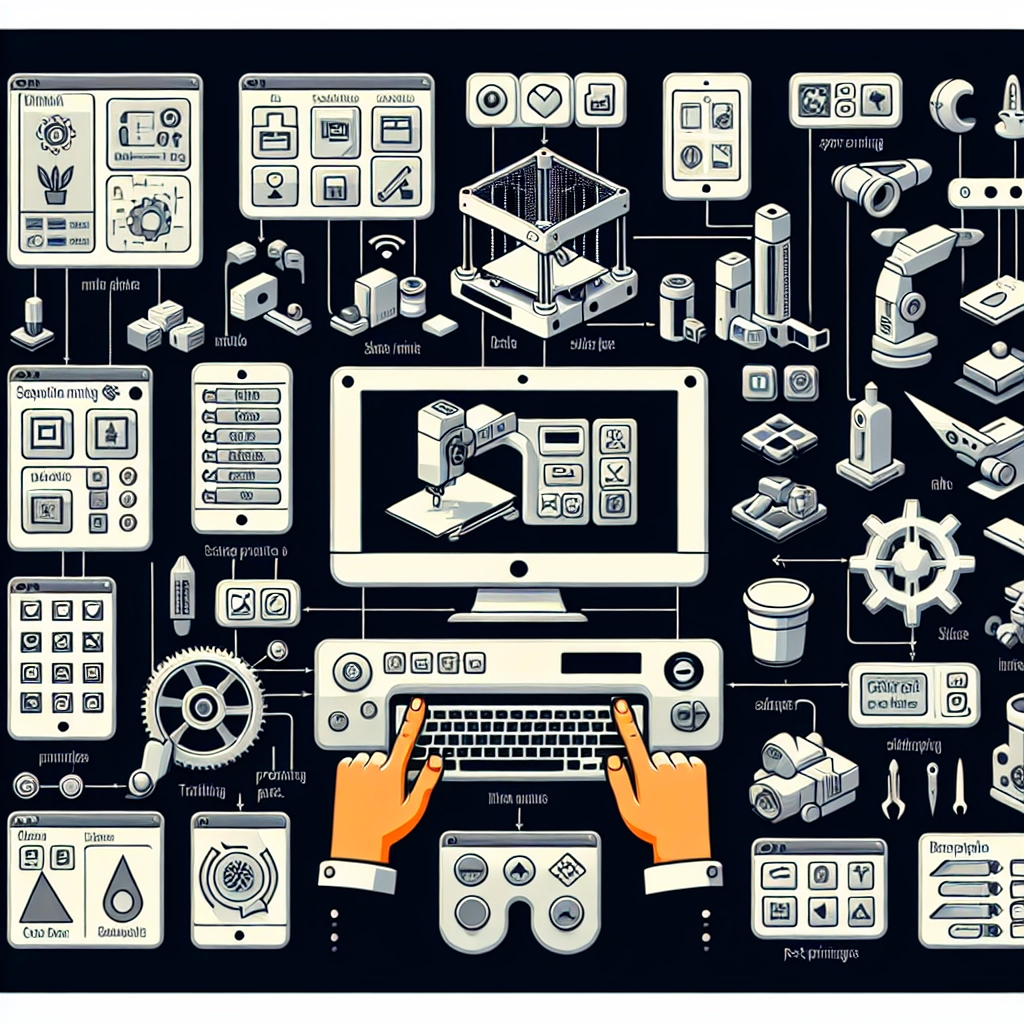
At its core, 3D printer software can be classified into three main categories: design software, slicing software, and printer control software. Each has its unique purpose and plays a vital role in your 3D printing journey.
-
Design Software:
This is where your ideas begin to take shape. Design software, also referred to as CAD (Computer-Aided Design), allows you to create 3D models from scratch. Popular options include Tinkercad, Fusion 360, and Blender.- Tinkercad is super user-friendly, making it a great starting point for beginners. You can design simple shapes and export them directly for printing.
- Fusion 360 is more sophisticated, offering advanced tools often used by professionals. It’s perfect for those looking to delve deeper into 3D modeling.
- Blender, while primarily used for animation and visual effects, is a formidable tool for 3D modeling and can create complex designs.
-
Slicing Software:
Once your design is ready, you need to prepare it for printing, and that’s where slicing software comes in. This type of software converts your 3D model into instructions that a printer can understand, breaking it down into layers. Some of the most popular slicing software includes Cura, PrusaSlicer, and Simplify3D.- Cura is a go-to option for many hobbyists due to its robust features and user-friendly interface. It’s open-source and compatible with most 3D printers.
- PrusaSlicer is optimized for Prusa printers but also supports a wide range of other machines. Its features cater to both novices and experienced users.
- Simplify3D is known for its premium capabilities, offering detailed control over print settings, but it does come with a price tag.
-
Printer Control Software:
This software is crucial for managing the actual printing process. It allows you to send commands to the printer and can provide real-time updates on your print job. Options like OctoPrint and Repetier-Host are popular in this category.- OctoPrint is particularly favored because it can be accessed remotely via your web browser, making it easy to monitor and control your print from anywhere.
- Repetier-Host serves well for various printer setups and provides extensive features for tweaking print settings on the fly.
Picking the Right Software for You
Choosing the right software can feel overwhelming, especially given the vast options available. Here are a few tips to help you along the way:
-
Assess Your Needs: Are you a beginner, or do you have some experience under your belt? For novices, a simple design software like Tinkercad paired with Cura for slicing might be the ideal combo. Intermediate to advanced users might find more value in Fusion 360 and Simplify3D.
-
Experiment and Learn: Don’t hesitate to explore different software! Many of these programs offer free trials or are entirely free. Getting hands-on experience with a few different options will help you discover which works best for your needs.
-
Join Communities: Engaging with online forums, social media groups, or local clubs can provide valuable insights. You can ask for recommendations or share experiences of what works and what doesn’t.
The Ongoing Journey
As you become more comfortable navigating the world of 3D printing software, you’ll begin to stretch your creative wings. From customizing settings in your slicer to experimenting with different design techniques, the possibilities are nearly limitless. And who knows? What starts as a hobby could morph into a side project or even a new career!
So, dive into the software realm with curiosity, and embrace the learning curve. The world of 3D printing is waiting for your unique creations. Happy printing!


