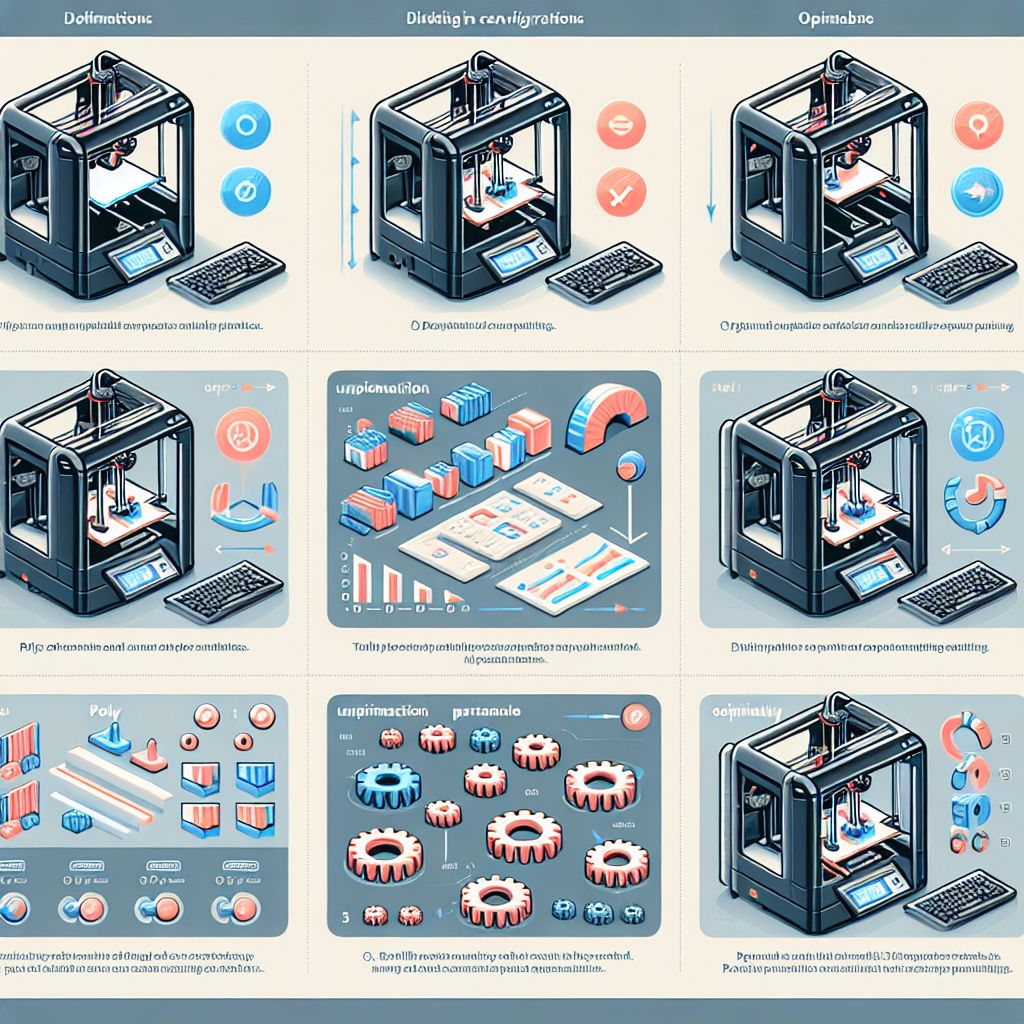

How to Optimize Your 3D Printer Settings for Best Results
3D printing has revolutionized the way we create everything from simple prototypes to complex functional parts. But let’s face it—getting the best results from your 3D printer isn’t just about having the latest model or the most expensive filament. A lot comes down to tweaking your printer settings to find that sweet spot where your machine sings! In this guide, we’ll explore some essential settings you can adjust to optimize your 3D printing experience.
Understand Your Printer’s Capabilities
Before diving into the nitty-gritty of settings, it’s crucial to know what kind of 3D printer you have. There are primarily two types: Fused Deposition Modeling (FDM) and Stereolithography (SLA). FDM printers extrude melted plastic through a nozzle, while SLA printers use a UV light to solidify resin in a vat. Each type has its own set of characteristics and optimal settings.
So, take time to familiarize yourself with your printer’s specifications. What’s the maximum temperature? What’s the resolution it can achieve?
Bed Leveling and Calibration
A fundamental step in achieving print success is proper bed leveling. An improperly leveled print bed can lead to a myriad of issues, including warping and poor adhesion. Most printers have a built-in calibration setting, but manual leveling can often yield better results.
Check your printer’s documentation, and take a few minutes to do the following:
- Adjust the Distances: The nozzle should just graze the bed surface. This means there should be just a slight resistance to a piece of paper when you slide it between the nozzle and the bed.
- Use a Calibration Print: Many people find success with small test prints designed specifically for bed leveling.
Layer Height and Print Speed
Layer height is a critical setting when it comes to print quality. Generally, thinner layers (something like 0.1mm) create highly detailed prints but take longer to complete. If you’re prototyping, consider a thicker layer height (like 0.2-0.3mm), which will speed up the printing process without sacrificing much detail.
Print speed is another key player. Setting your print too fast can lead to under-extrusion or, worse, dislocated layers. Stick to a speed of around 50-60mm/s if you’re looking for a balance between speed and quality. Experimenting within these guidelines will help you find what works best with your specific printer and material.
Temperature Settings
Temperature can significantly impact your print quality. The nozzle temperature needs to be high enough to melt the filament but not so high that it degrades the material. A good starting range for most PLA filaments is between 180°C and 220°C. You can adjust up or down based on your specific filament’s recommendations and the quality of the print.
Don’t forget about bed temperature! For best adhesion, a heated bed is often essential, especially with flexible filaments. Set your bed temperature according to the guidelines for the material you are using, generally around 60°C for PLA and 100°C for ABS.
Retraction Settings
Retraction settings help prevent stringing, or those pesky little threads that can occur when your printer’s nozzle moves from one area to another. The retraction distance typically varies between 0.5mm to 6mm and depends on the type of filament you’re using. You might need to experiment with this setting a bit. A good rule of thumb is to start at about 1mm for PLA and adjust based on the results you see.
Ventilation and Cooling
Cooling fans can make a world of difference, especially for filament types like PLA. Having cooling set up in your slicer adds a layer of airflow that helps harden the filament as it’s extruded. This can prevent issues like warping and improve layer adhesion.
Adjust your fan speed settings according to your material; starting at 100% for PLA and reducing for materials like ABS can pave the way for better results.
Test, Iterate, Improve
Finally, remember that 3D printing is often an iterative process. Don’t expect to hit gold on your first try. Keeping logs of different settings and their results can help you fine-tune your process over time. The more you practice and adjust, the better your prints will become.
So there you have it! The world of 3D printing can be an exhilarating yet challenging one. Embrace the trial-and-error process, and don’t be afraid to adapt your settings as you gain experience and discover more about your printer’s unique quirks. Happy printing!