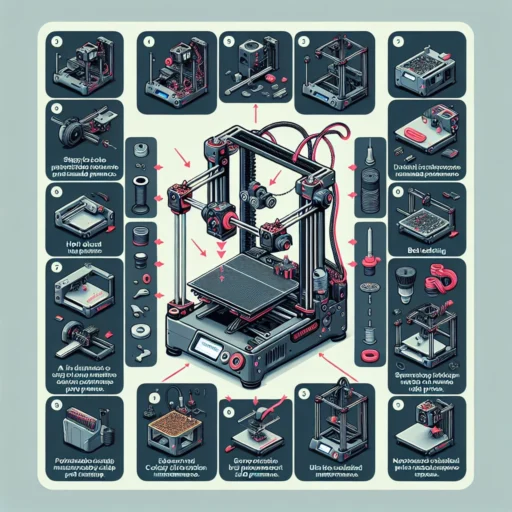
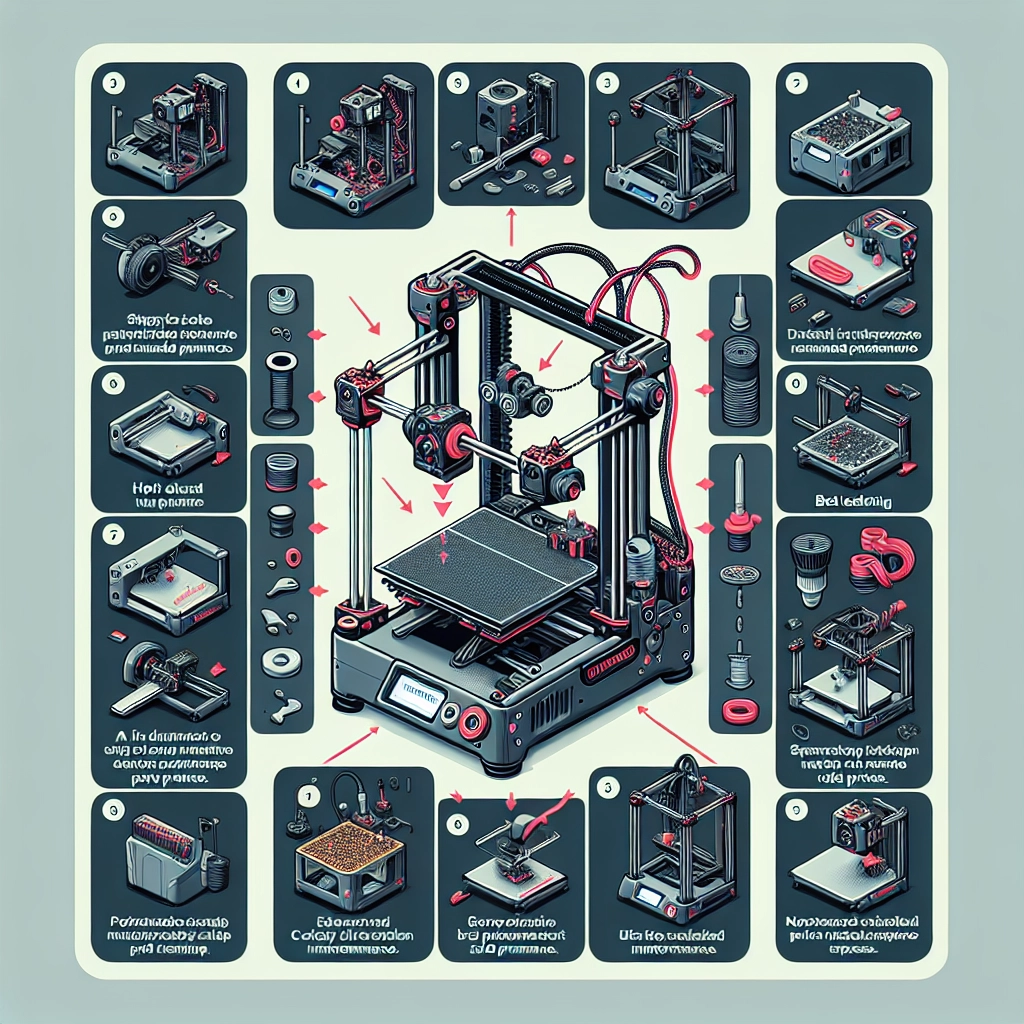

Upgrading your Creality 3D printer can be an exciting journey that not only enhances performance but also elevates your 3D printing experience to a whole new level. If you’re a DIY enthusiast or just someone who loves tinkering with technology, these upgrades can make your home printing setup even better. Let’s explore various ways you can boost the performance and reliability of your Creality 3D printer.
1. Upgrade the Hotend
The hotend is a vital component responsible for melting and extruding the filament. Most Creality printers come with a standard hotend, which might limit you in terms of temperature and material options. Upgrading to an all-metal hotend allows you to print with high-temperature materials such as nylon or ABS. Brands like E3D or Microswiss offer excellent hotends that are easy to install. Not only does this upgrade expand your material palette, but it can also improve print consistency.
2. Install a Better Cooling System
Cooling is crucial for getting quality prints, especially when it comes to overhangs. The default cooling fans might not provide enough airflow, leading to stringing or poor layer adhesion. You can upgrade to a dual fan setup that provides more precise cooling, or even consider an all-in-one solution like an upgraded duct specifically designed for your printer model. This simple change can dramatically enhance the quality of your prints, especially for intricate designs.
3. Use a Glass Bed or PEI Sheet
If you find your prints are not sticking well to the build surface, it might be time to switch from the stock bed to a glass bed or a PEI sheet. A glass bed provides an ultra-smooth surface that helps in achieving great first layers, while a PEI sheet gives you fantastic adhesion without the hassle of adhesives. Both options help in reducing warping—a common issue, especially with larger prints.
4. Upgrade the Extruder
The extruder plays a critical role in feeding filament into the hotend. If you’re dealing with inconsistent extrusion or grinding, you may want to upgrade to a better-quality all-metal extruder. Direct drive systems generally offer better performance over Bowden setups, especially with flexible filaments. An upgraded extruder can make a world of difference in print quality and reliability.
5. Enhance the Frame Stability
A sturdy frame is vital for printing accuracy. Consider adding corner braces or upgrading the stock frame with aluminum extrusions. This will reduce vibrations significantly, resulting in smoother prints. Some enthusiasts even go as far as replacing their stock frame with a rigid, steel frame kit that can withstand intensive operations, making your printer more robust and reliable.
6. Fine-Tune the Firmware
Most Creality 3D printers run on Marlin firmware, which is customizable. You might want to explore options like adding linear advance, customizable fan settings, or different acceleration settings that better suit your printer’s setup. Installing firmware upgrades can make your printer smarter and help optimize the performance. If you’re not tech-savvy, many communities online have guides to help you through the process.
7. Optimize Your Print Settings
Sometimes, the best upgrade doesn’t require you to buy anything at all. Spend some time fine-tuning your slicer settings. Experiment with different layer heights, print speeds, and infill patterns. Each adjustment can yield different results, and you’ll often find that just a small tweak can lead to significantly better print quality.
8. Keep Everything Maintained
Don’t forget about routine maintenance as an upgrade strategy! Regularly check and tighten the belts, lubricate moving parts, and clean the nozzle. Keeping components in top shape can prevent many problems before they arise. Periodic maintenance not only creates a more pleasant printing experience but prolongs the life of your printer.
9. Join the Community
Last but not least, don’t forget to join the vibrant 3D printing community online. Forums, Reddit threads, and social media groups are filled with passionate individuals who can provide tips, tricks, and guidance. You’ll discover endless resources that can help you find the best upgrades for your specific model and needs.
Wrapping It Up
Upgrading your Creality 3D printer doesn’t just improve its performance; it can also reignite the excitement in your printing hobby. By making these thoughtful enhancements, you’ll be able to tackle more complex prints and realize your creative visions with ease. Plus, there’s a great sense of accomplishment that comes from building and modifying your equipment. So roll up your sleeves and dive into the world of upgrades—you might inspire others along your journey too! Happy printing!