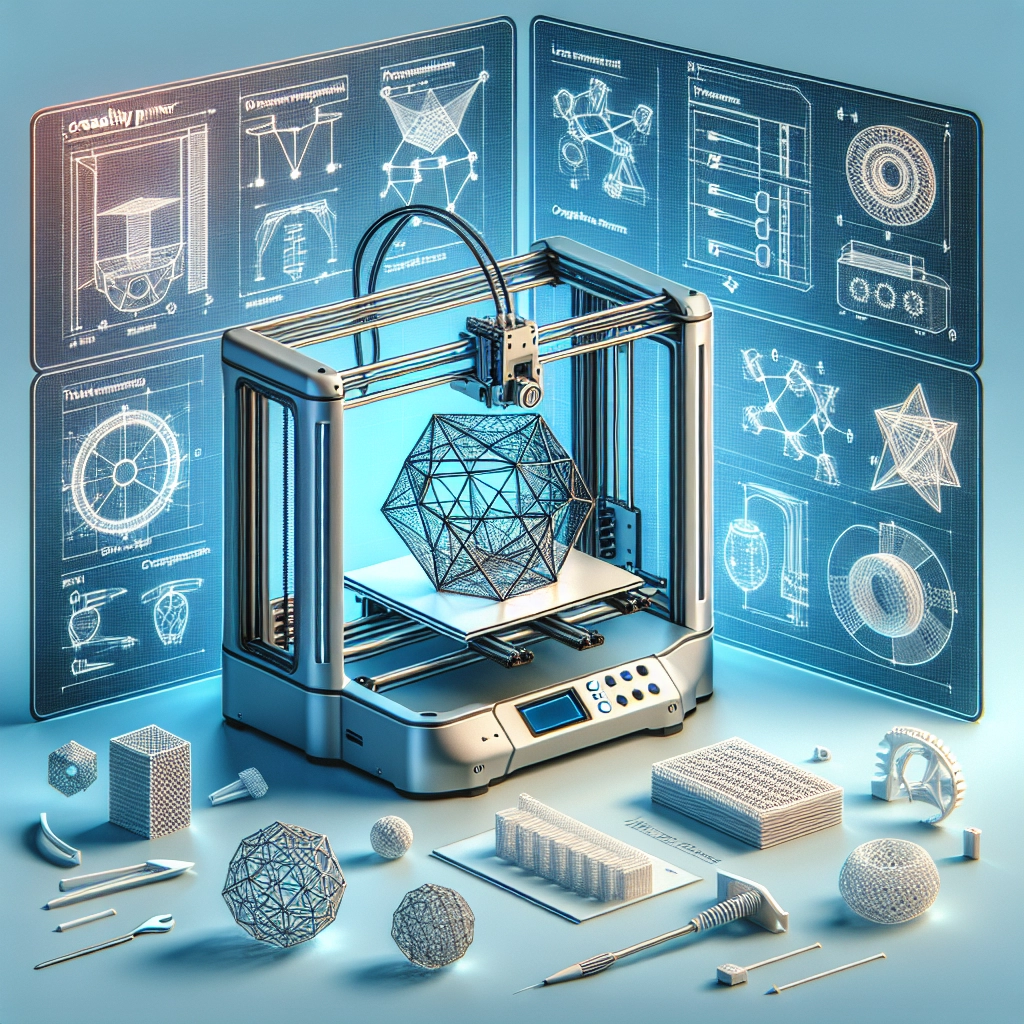

Maximizing Your 3D Printing Experience with Creality Printers
3D printing has transformed from a niche hobby into a thriving industry over the past decade. Whether you’re a seasoned pro or a complete newbie, one name you’ll likely come across is Creality. Known for their affordable yet high-quality printers, Creality has made 3D printing accessible to many. If you’re ready to take your Creality 3D printing experience to the next level, you’re in the right place!
Choosing the Right Model
First things first: selecting the right Creality printer. With options like the popular Ender 3, the versatile CR-10, and the impressive CR-30, it’s crucial to choose one that fits your specific needs. Are you looking to print intricate designs, hobbyist projects, or larger items? This decision will set the stage for your entire 3D printing adventure.
Take a moment to research the specifications of each model. The Ender 3 is often recommended for beginners due to its user-friendly setup and excellent print quality. On the other hand, if you need a larger print volume, the CR-10 might be your best bet.
Fine-Tuning Your Setup
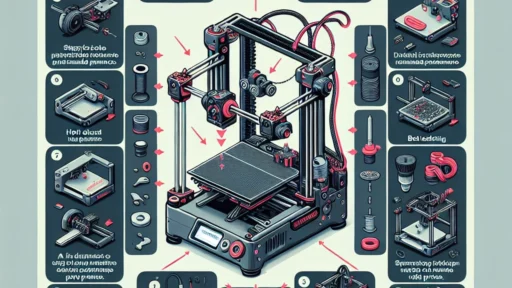
Once you’ve got your printer home, the next step is to dial in your setup. This involves leveling the print bed, adjusting the nozzle height, and ensuring your filament is properly loaded. While some initial tinkering can be a bit daunting, it’s worth investing the time. A well-calibrated machine will produce better prints with fewer errors.
Don’t shy away from using tools like the bed leveling sensor, which many Creality models support. They can save you a lot of time and effort. Also, consider investing in a high-quality glass or PEI print surface for improved adhesion and easier print removal.
Choosing Quality Filament
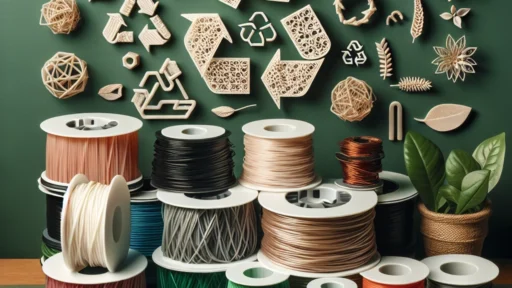
The type of filament you use makes a huge difference in the quality of your prints. Creality printers are compatible with a range of filament types, but sticking with reputable brands is crucial. PLA is a fantastic beginner-friendly option because it’s easy to work with and available in numerous colors. If you’re looking for durability, consider ABS or PETG, but be prepared to adjust your settings, as these materials can require higher temperatures and more specific printing conditions.
Understandably, trial and error are part of the process. Don’t be afraid to experiment with different brands and types to find what works best for your printer and projects.
Slicing Software: Your Key to Success
Now that you’ve got the hardware and filament set, let’s talk software. A slicing software transforms your 3D model into a set of instructions the printer can understand. While Creality printers often come with an OEM version of software like Cura, you might also want to check out other options like PrusaSlicer or Simplify3D for more advanced features.
It’s a good idea to dig into the settings. Tweaking print speed, layer height, and temperature can drastically change the outcome of your prints. Plus, learning about support structures and infill patterns can help you make your prints stronger and more aesthetically pleasing.
And if you find a setting that works perfectly? Save it! Many slicers allow you to create profiles for different printers and filaments, which can save a ton of time in future projects.
The Community Connection
One of the best parts of diving into the world of 3D printing with Creality is the vibrant community that surrounds it. Online forums, social media groups, and even local meetups can be invaluable resources. They’re perfect for sharing tips, troubleshooting issues, and showcasing your latest creations. Whether it’s a fantastically intricate model or a simple gadget, the feedback you get can be incredibly motivating.
Consider joining platforms like Reddit, Discord, or specialized 3D printing forums. You can ask questions, share your journey, and even collaborate on projects. It’s amazing how much knowledge and support is out there if you just connect with fellow enthusiasts.
Troubleshooting and Maintenance
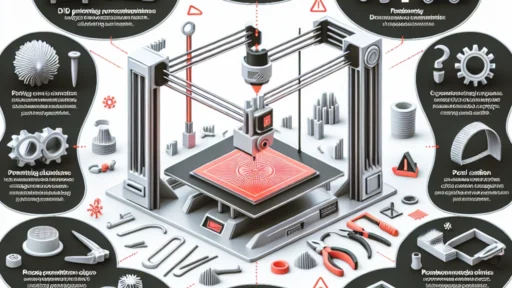
Even the best printers encounter challenges from time to time. Learning common troubleshooting tactics specific to your Creality model can save you hours of frustration. Regular maintenance is key—clean the nozzle, check belts, and lubricate moving parts to keep things running smoothly.
Remember, every 3D printer owner experiences the occasional failed print. It’s all part of the learning curve! With each mishap, you gain insights that will only improve your skills.
3D printing with Creality opens up a world of possibilities, whether for personal projects, prototypes, or artistic endeavors. As you explore the capabilities of your printer, remember to embrace the journey. With the right setup, community support, and a little creativity, you’ll unlock a world of infinite possibilities, and your 3D printing experience will be nothing short of extraordinary. Happy printing!