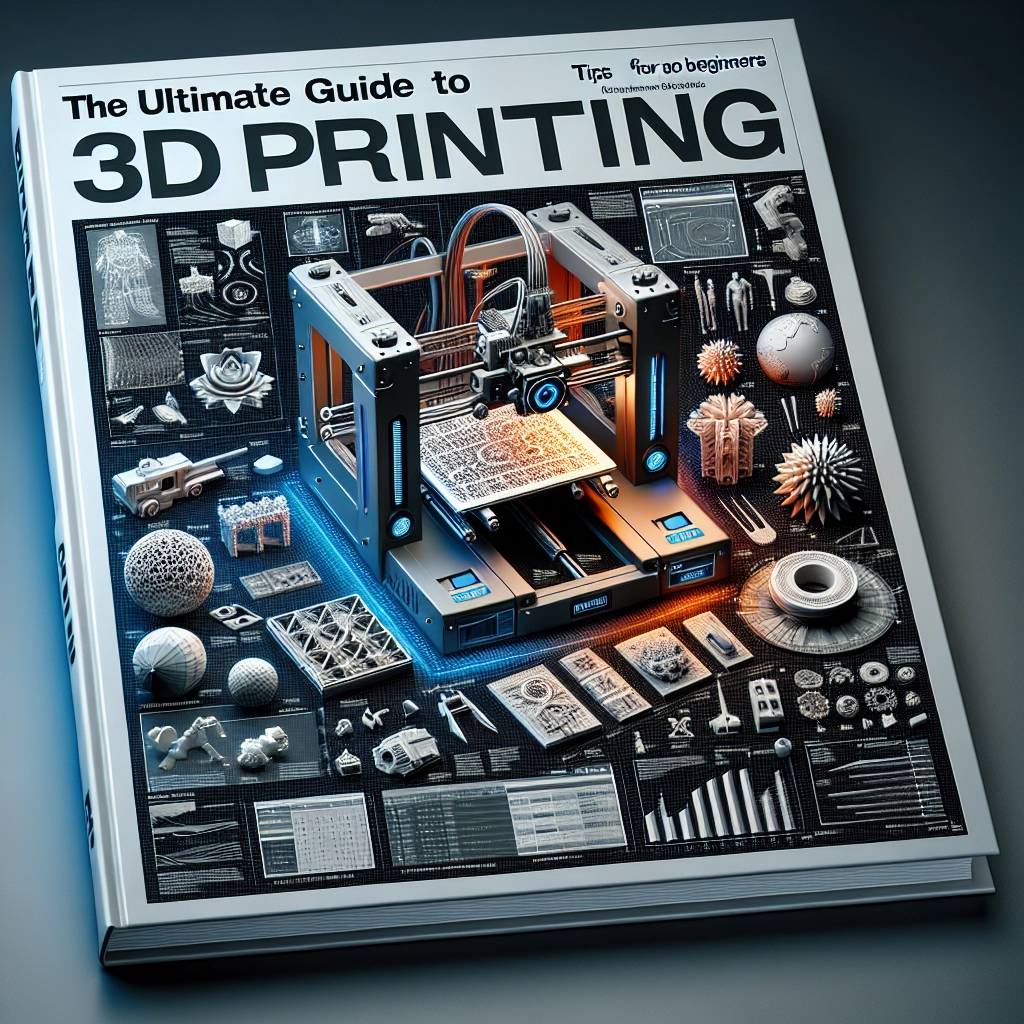

The Ultimate Guide to 3D Printing: Tips and Techniques for Beginners
3D printing is no longer the domain of science fiction; it’s a fascinating way to bring your ideas to life right from your own home. Whether you’re looking to create custom toys, prototypes, or even art pieces, the world of 3D printing is full of potential. If you’re just starting your journey into this exciting realm, this guide will help you understand the basics and give you tips and techniques for success.
Understanding the Basics of 3D Printing
Let’s start with the essential building blocks of 3D printing. At its core, 3D printing (or additive manufacturing) is the process of creating three-dimensional objects from a digital file. It works by adding material layer by layer until the final object is formed.
There are several types of 3D printing technologies, but the most common among beginners is Fused Deposition Modeling (FDM). This method uses thermoplastics in the form of filaments, melted and extruded through a heated nozzle. It’s relatively simple to set up and doesn’t require extensive knowledge of engineering or programming, making it a favorite for newcomers.
Choosing the Right Printer
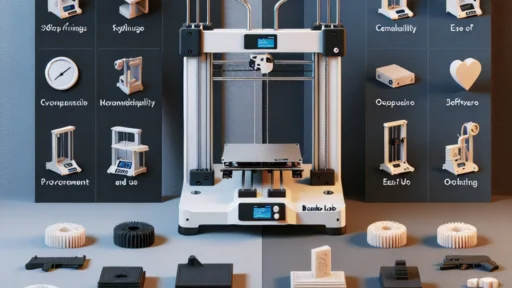
When you first dip your toes into 3D printing, selecting the right machine can be daunting with so many options available. Here are a few factors to consider:
-
Budget: There are 3D printers at all price points. For beginners, it can be more practical to start with a printer between $200 and $500. Look for user reviews to ensure it’s a reliable machine.
-
Build Volume: Consider how big you want your prints to be. If you plan to create larger items, make sure to choose a printer with an appropriate build volume.
-
Ease of Use: Some printers come with user-friendly features such as auto-bed leveling and touchscreen interfaces. These can save you a lot of time and frustration, especially when you’re just starting.
-
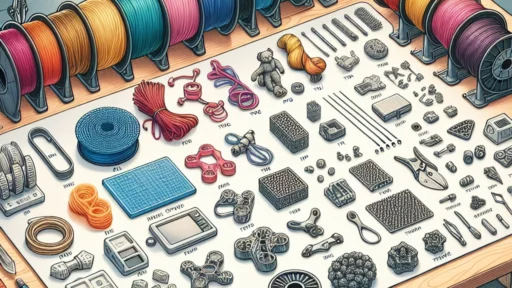
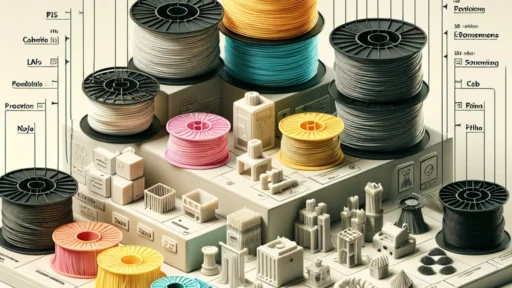
Material Compatibility: Not all printers work with all materials. FDM printers usually work with PLA and ABS filaments, but some can handle flexible or composite materials as well.
Getting Started with 3D Modeling
After choosing a printer, it’s time to create or download a design. If you’re a beginner, you might want to start with online repositories like Thingiverse, where you can find a plethora of free designs. However, if you want to make something unique, you can dive into 3D modeling software like Tinkercad or Fusion 360.
Tinkercad is particularly great for beginners because it’s web-based and straightforward, allowing you to easily create designs through a drag-and-drop interface. On the other hand, Fusion 360 offers more advanced capabilities for those looking to dive deeper into 3D design.
Tips for Successful Printing
Once you have your printer and design ready, it’s time to hit that print button! Here are some tips to ensure your first print goes smoothly:
-
Level the Print Bed: A level print bed is crucial. An uneven surface can cause adhesion issues and may result in print failures. Spend a few minutes getting this right based on your machine’s instructions.
-
Use Rafts and Supports: If your print has overhangs or needs extra base stability, don’t shy away from using rafts or supports. They can help improve adhesion and the overall quality of your print.
-
Temperature Settings: Different materials have different optimal temperatures. Be sure to research the correct settings for whatever filament you’re using. If you’re unsure, it’s always a good idea to start with the manufacturer’s recommendations.
-
Patience is Key: 3D printing can take time. Larger prints can take several hours (or even days), so keep your expectations realistic. Use this time to learn other aspects of the process, like post-processing and finishing techniques.
Troubleshooting Common Issues
Even seasoned 3D printing enthusiasts face challenges, so don’t get discouraged if things don’t go perfectly at first! Common issues include warping, stringing, and layer misalignment. Take the time to research* and review potential fixes for each problem. With practice, you’ll find solutions and get better with every print.
3D printing is a journey filled with creativity, learning, and so much potential. As you experiment with different techniques and designs, you’ll develop your skills and maybe even inspire others along the way. So, gather your materials, fire up that printer, and let your imagination run wild! Embrace the process, enjoy the challenge, and get ready to create amazing things. Happy printing!