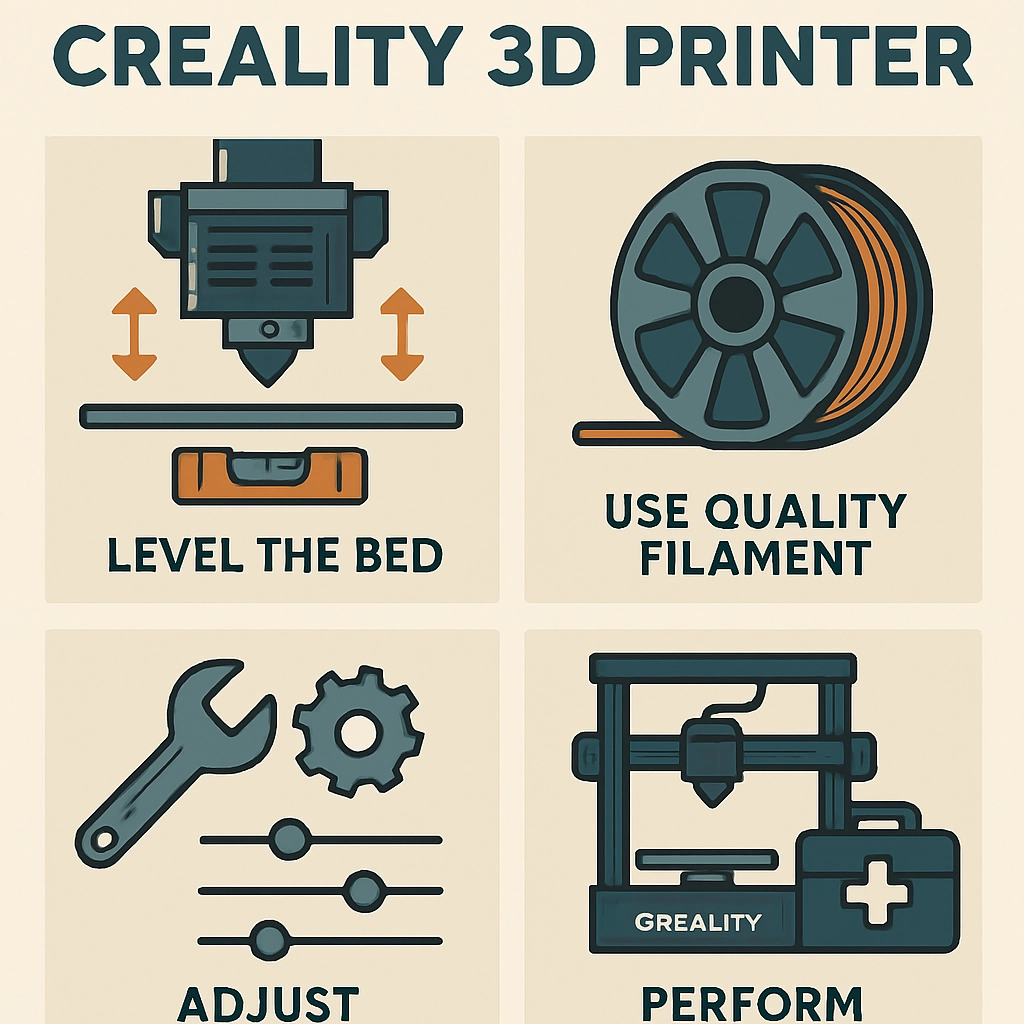

Tips for Getting the Most Out of Your Creality 3D Printer
If you recently jumped into the world of 3D printing with a Creality printer, welcome aboard! The journey is exciting, and you’ll find there’s a vibrant community of makers, hobbyists, and innovators out there. While Creality has gained a solid reputation for delivering reliable machines that are perfect for both beginners and seasoned pros, getting the most out of your printer can sometimes feel a bit overwhelming. Fear not! Here are some helpful tips to unleash the full potential of your 3D printing experience.
Know Your Machine
First things first, take some time to really get to know your particular model. Creality has a range of printers, from the popular Ender series to the more sophisticated CR series. Each model comes with its own quirks and features. Read the manual thoroughly—you’re more likely to find hidden gems of information about your printer’s functionality, maintenance, and troubleshooting. It’s okay if you’re not the manual-reading type; you can also find tons of online tutorials, forum posts, and YouTube videos specific to your model.
Leveling the Bed
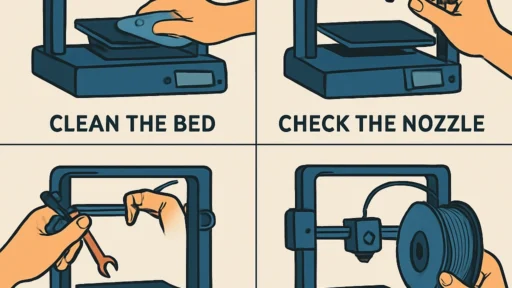
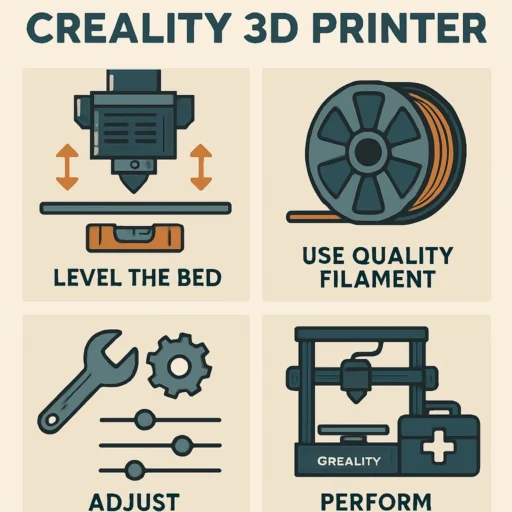
Ah, bed leveling—the task every 3D printer owner loves to avoid, yet it is so crucial for ensuring success. A properly leveled bed can make the difference between a flawless first layer and a complete print failure. Consider investing in an automatic bed leveling sensor if your printer doesn’t have one already. These sensors can save you a lot of frustration and are often relatively easy to install. However, if you’re sticking with manual leveling, just remember the basic rule: reload the printer calibration settings before starting any new project!
Explore Different Filaments
While PLA is a fantastic starting filament due to its ease of use and impressive print quality, don’t limit yourself to just one type. Creality printers are generally compatible with a range of materials, including PETG, ABS, and TPU. Experimenting with different filaments can drastically change the quality, color, and properties of your prints. Just bear in mind that different materials may require different print settings, temperatures, and even nozzle sizes, so be ready to tweak your settings accordingly.
Fine-Tune Your Settings
Speaking of settings, don’t hesitate to experiment with slicer options to maximize print quality. Programs like Cura, PrusaSlicer, or Simplify3D offer a wealth of customization options. Things like retraction speed, print speed, layer height, and temperature can make or break your print. Take notes as you go; it can be easy to lose track of what worked and what didn’t. The more you tinker with these settings, the better you’ll become at dialing in your printer for fantastic results!
Regular Maintenance
Like any machine, your 3D printer requires regular maintenance to keep it running smoothly. This includes cleaning the nozzle, checking for any wear and tear on belts or rods, and ensuring the extruder is free of clogs. A bit of preventative care can help avoid headaches down the road. Plus, understanding how your printer works on a mechanical level will not only enhance your experience but can also empower you to make repairs and improvements when necessary.
Community Engagement
One of the best parts about being a 3D printing enthusiast is the community that comes along with it. Joining forums, Facebook groups, or online communities dedicated to Creality printers can provide you with invaluable insights, project ideas, and troubleshooting tips. You might even get inspired to tackle bigger projects or collaborate with other users. Sharing your successes and challenges is a fun way to both learn and contribute back to the community.
Plan Your Prints
Before you hit that print button, ensure you’re adequately prepared. Consider how much filament you have, the size of your print, and your printer’s capabilities. Taking the time to plan can save you from unnecessary wastage, both in materials and time. Additionally, looking ahead at print times can help you set your printing schedule around your daily routine. Nothing’s worse than realizing too late that you need to attend to a print that’s been running for hours!
Stay Patient and Have Fun
Last but certainly not least, embrace the learning curve! 3D printing is as much about trial and error as it is about success. You may encounter challenges, department mishaps, or even the occasional failed print; it’s all part of the journey. Rather than seeing these as setbacks, consider them opportunities to learn and improve. With patience and curiosity, your creativity and skills will grow exponentially.
Embarking on your 3D printing adventure with a Creality printer opens up a world of possibilities. By understanding your machine, experimenting with settings and filament, and engaging with the thriving community, you’ll find that the journey not only provides numerous practical insights but can also lead to some surprisingly satisfying creations! Remember, Happy Printing!