

Tips for Creating Stunning Models with Creality Printers
So, you’ve invested in a Creality printer and you’re ready to take your 3D printing game to a whole new level. Congratulations! From the reliable Ender series to the sleek CR series, Creality printers are lauded for their affordability and user-friendliness, making them a popular choice for both beginners and seasoned makers alike. But what’s the secret to creating models that truly stand out? Let’s dive into some practical tips to enhance your 3D printing projects.
1. Start with Quality Models
Before you even think about printing, the foundation of your project lies in the model itself. Opt to create your designs in software like Tinkercad or Fusion 360, or download models from reputable sources such as Thingiverse or MyMiniFactory. Make sure to choose models that have positive reviews or a history of successful prints—this will save you a ton of frustration down the line.
Remember that well-designed models with thicker walls and sufficient detail can handle the rigors of printing better and will lead to a more aesthetically pleasing final result.
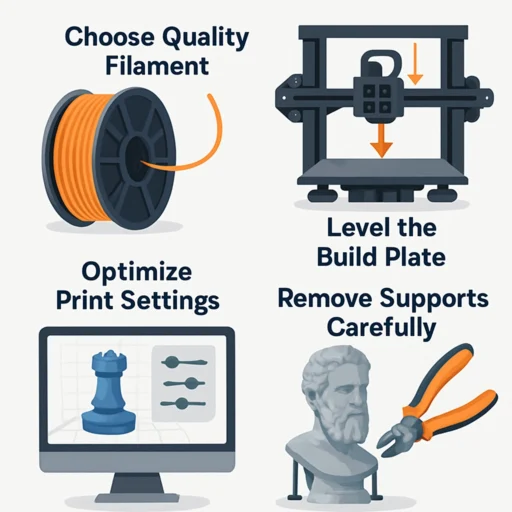
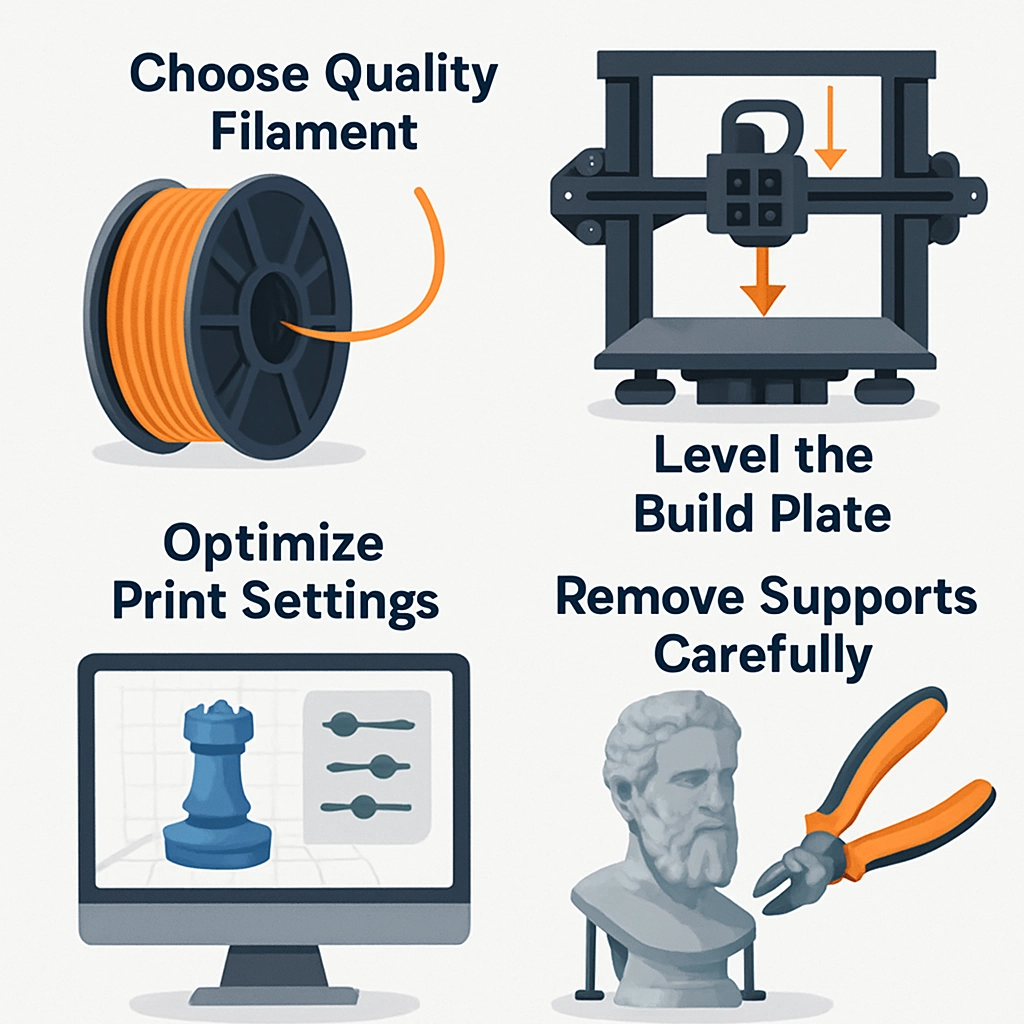
2. Choose the Right Filament
The type of filament you use can greatly impact the quality of your prints. While PLA is the go-to choice for many due to its ease of use and vibrant color options, consider experimenting with other materials like PETG for durability or ABS for high-temperature resistance.
Don’t overlook filament brands either—as different brands can have different qualities in color, finish, and even consistency of the filament itself. If you’re aiming for stunning results, investing in high-quality filament is worth it.
3. Optimize Your Settings
Three cheers for slicer software! Make sure to spend some time getting familiar with your slicer’s settings. Adjusting settings like layer height, print speed, infill density, and support settings can completely transform the appearance of your printed models.
For detailed prints, a smaller layer height (around 0.1mm) can help capture fine nuances, while a thicker layer height (0.3mm) may be appropriate for larger models where speed is more crucial than fine detail. Just be careful—too fast can lead to messy prints!
4. Level That Bed
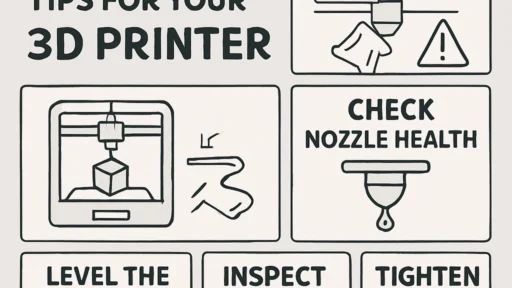
Ah, the age-old necessity of bed leveling! A perfectly leveled print bed ensures that your first layer adheres well, which is crucial for the rest of the print. Creality printers often come with a manual leveling feature, but consider upgrading to an auto bed leveling sensor. This can save you time and headaches, and help improve your prints from the get-go.
5. Temperature Matters
Different materials have different temperature requirements, and getting the nozzle and bed temperatures just right is essential. Use a thermometer to check actual temperatures and adjust them based on your filament manufacturer’s recommendations. For PLA, a nozzle temperature of around 200°C is common, but experimenting can help you find the sweet spot for your specific printer and filament brand.
6. Experiment with Post-Processing
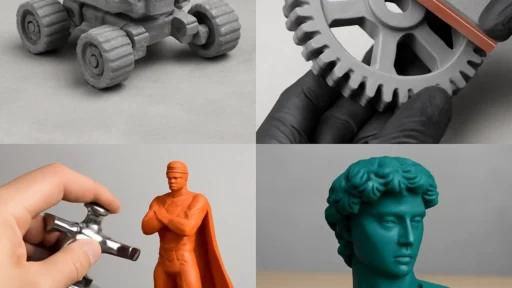
Once you’ve printed, the fun doesn’t stop there! Post-processing can take your model from basic to breathtaking. Sanding surfaces, adding a prime and paint job, or even using techniques like acetone vapor smoothing for ABS can elevate your model’s appearance significantly.
Plus, don’t forget about color! Adding accents or multi-material prints can create eye-catching designs that really stand out.
7. Learn from the Community
One of the greatest aspects of 3D printing is the vibrant community around it. Dive into forums, social media groups, or YouTube channels dedicated to Creality printers. You’ll find countless tutorials, troubleshooting tips, and inspirational projects that can fuel your creativity. Engaging with others not only helps you learn but can also spark new ideas for your projects.
8. Practice Patience
Finally, remember that 3D printing is as much an art form as it is a science. It might take a few attempts to get the desired results, and that’s perfectly okay! Celebrate the small wins and learn from the misprints. Each layer is a learning opportunity, and over time, you’ll refine your skills and methods to create breathtaking models.
So there you have it! By starting with quality models, selecting the right filament, optimizing settings, and taking the time for post-processing, you can create not just prints, but stunning pieces of art. With a little practice and creativity, your Creality printer can help you bring your ideas to life like never before. Why not fire it up and get started? Happy printing!