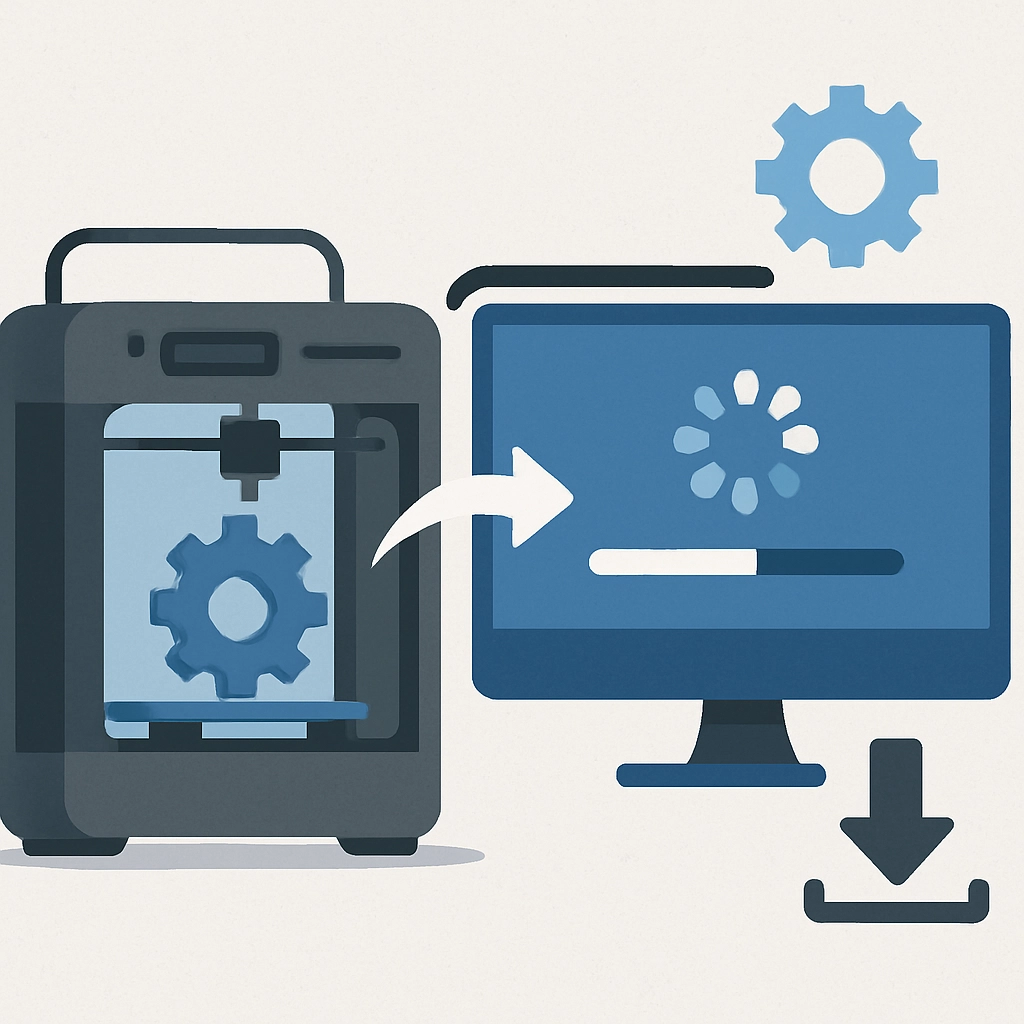

The Importance of 3D Printer Firmware Updates
Ah, the wonders of 3D printing! It feels like we’re living in a sci-fi movie, doesn’t it? With the ability to create everything from intricate jewelry to complex mechanical parts, 3D printers have become a staple in both personal and professional settings. However, just like your smartphone or computer, 3D printers require regular updates to keep them running smoothly. Today, we’re diving into the often-overlooked yet crucial topic of 3D printer firmware updates.
What is Firmware?
Before we get into the nitty-gritty of why these updates are essential, let’s clarify what firmware actually is. In the simplest terms, firmware is the software that runs on your 3D printer’s hardware. It controls everything from the movement of the print head to the heating of the bed. It’s what enables your printer to understand commands coming from your computer and is essential for proper printer function.
Think of firmware as the brain of your 3D printer. It’s responsible for coordinating all of the printer’s actions and ensuring that everything operates in harmony. So, just like any other software, keeping it up-to-date is crucial for optimal performance.
Why Firmware Updates Matter
1. Bug Fixes
One of the most compelling reasons to regularly update your firmware is to squash bugs. Just like any other software, firmware can have errors that affect performance. An annoying bug may lead to failed prints, poor quality, or even hardware malfunctions. Manufacturers often release updates to address these pesky issues, ensuring your printer functions smoothly. Ignoring these updates could mean your once-reliable printer starts developing quirks you never experienced before.
2. New Features and Improvements
Firmware updates often come packed with new features and enhancements. Whether it’s improved support for multiple filament types, optimized parameters for different print speeds, or even new slicing algorithms, these updates can significantly enhance your printing experience. Who wouldn’t want access to the latest capabilities? It’s like getting a brand-new printer without the hefty price tag!
3. Performance Optimizations
Sometimes, older firmware might not utilize your 3D printer’s full potential. Optimized firmware can improve the speed of your prints, reduce the time it takes to heat up, and enhance overall print quality. An update might tweak how your printer performs at various speeds, leading to crisper details or smoother surfaces. In the world of 3D printing, these small improvements can make a noticeable difference in the final product.
4. Compatibility with New Materials
As 3D printing technology evolves, so do the materials available for printing. New filaments and resins come out regularly, and a firmware update can often improve compatibility and handling of these materials. If you’re jumping into the world of exotic filaments—like nylon, carbon fiber, or even glow-in-the-dark options—keeping your firmware up-to-date will help you get the best results with these innovative materials.
5. Safety Enhancements
Safety is always a top priority, and 3D printers can pose risks if not managed correctly. Manufacturers sometimes implement changes to enhance safety features, such as thermal runaway protection, which stops the printer in case it overheats. Regular updates ensure that these crucial safety measures remain intact, reducing the chances of accidents or equipment damage.
The Update Process: Not as Scary as it Sounds
You might be thinking, “Okay, this all sounds great, but how in the world do I update my firmware?” Don’t fret—updating firmware is usually a straightforward process. Most manufacturers provide detailed instructions (often with video guides) on how to do it.
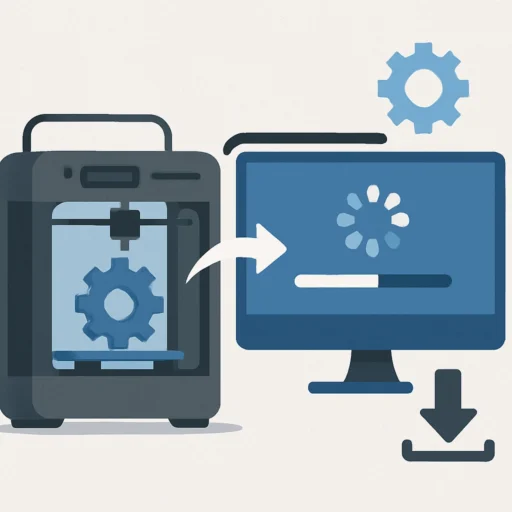
Typically, you’ll download the new firmware file from the manufacturer’s website, connect your printer to your computer, and then use a specific program to upload the new firmware. Many printers even have built-in options to check for updates directly on the machine itself!
Wrap-Up
In the grand scheme of things, staying on top of firmware updates may seem like a small detail, but it can significantly affect your 3D printing experience. Regular updates can prevent frustrating bugs, unlock new features, enhance performance, help you work with new materials, and even improve safety measures.
So, before you print your next masterpiece, take a moment to check if your 3D printer has pending updates. Your printer—and your creations—will thank you! After all, in the ever-evolving world of technology, staying a step ahead can make all the difference in creating the stunning prints you envision.