


Maximizing Your 3D Printing Efficiency: Tips and Tricks
If you’re anything like me, the thrill of watching a 3D printer whir to life is downright enchanting. That humming symphony of machinery at work is both mesmerizing and deeply satisfying. But let’s be real — there’s nothing worse than wasting time and filament because the printer didn’t give you the results you were hoping for. So how can we boost the efficiency of our 3D printing endeavors? Let’s dive into some practical tips and tricks to help you maximize your print time, keep filament costs down, and produce high-quality prints every time.
Understand Your Materials
The foundation of any good print starts with understanding the materials you’re working with. Different filament types, like PLA, ABS, PETG, and more, each come with their quirks. For instance, PLA is fantastic for beginners due to its ease of use and low printing temperature, while ABS is more durable but requires more precise temperature regulation and a heated bed to prevent warping. Familiarizing yourself with these materials can save you a ton of frustration down the road. Make sure to store your filaments properly as well; moisture is not a friend to 3D printing!
Calibrate Your Printer Regularly
At the heart of every successful 3D print is a well-calibrated printer. This means not just leveling the bed, but fine-tuning the extruder steps, checking temperature settings, and making sure the overall mechanics are functioning optimally. Many printers come with calibration prints you can run to test the accuracy of your settings. Invest some time in calibration regularly, and you’ll thank yourself later for the superior results you’ll get.
Optimize Your Print Settings
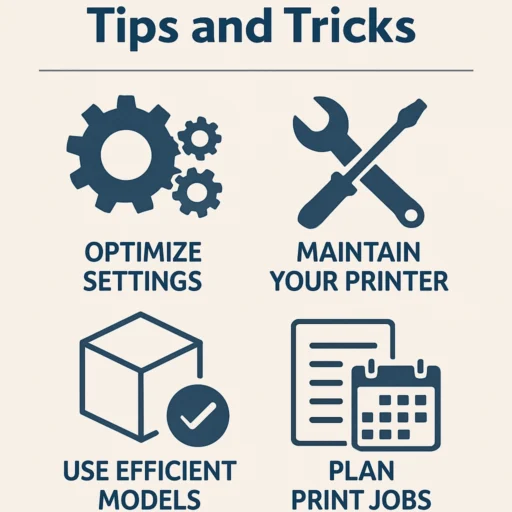
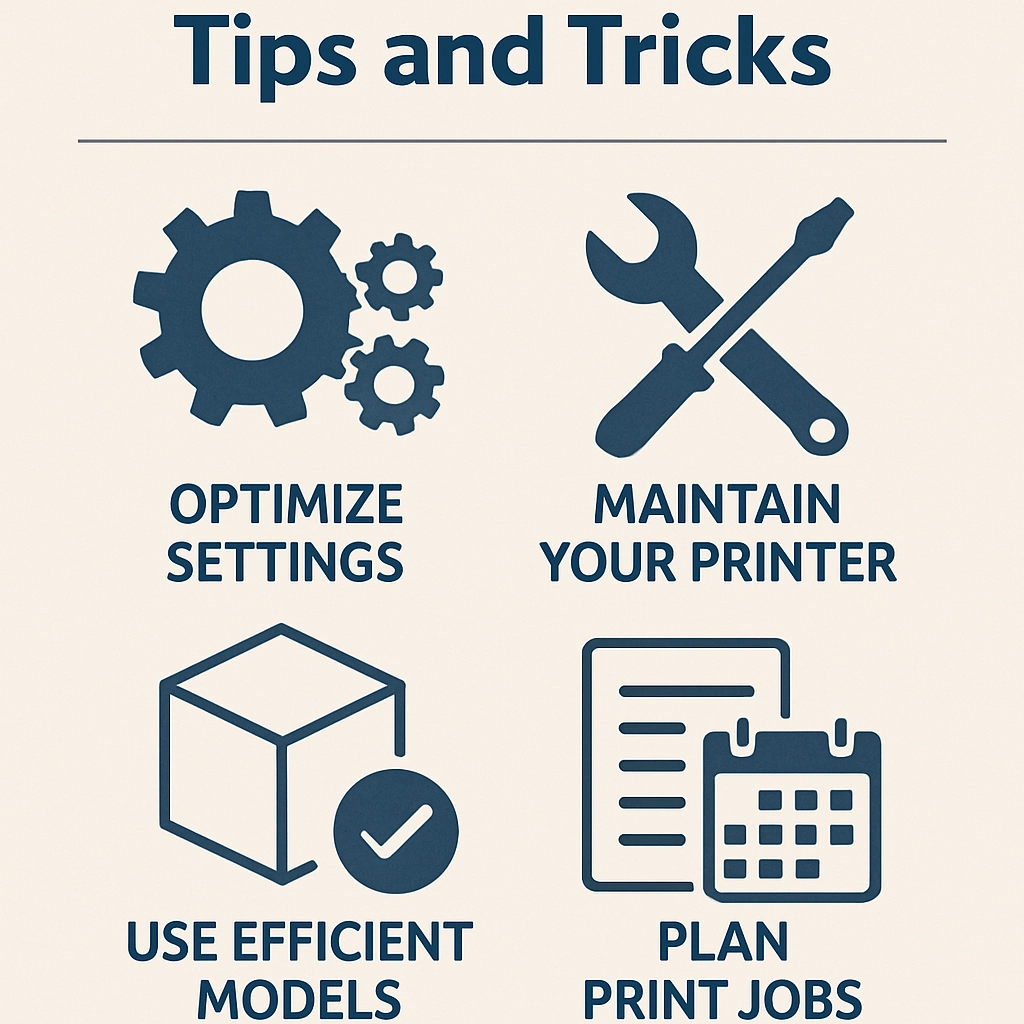
Speaking of settings, take a closer look at your slicer software. There are tons of customizable options available, but not all of them are suitable for every job. For instance, adjusting layer height can be crucial: lower layer heights can yield higher resolutions but will take significantly longer to print. Consider the purpose of your print; if it’s something functional rather than purely aesthetic, you might opt for thicker layers to speed up the process.
Also, don’t overlook infill settings. A higher infill percentage makes for a sturdier print but also increases print time and filament usage. Experiment with different infill patterns and percentages to find the sweet spot for your prints.
Utilize Brims and Rafts
No one likes a failed print, and using brims and rafts can help mitigate that risk. A brim extends outward from the perimeter of your print, adding stability and helping adhesion to the build plate. This is especially helpful for prints with smaller bases or overhangs. Rafts, on the other hand, create a grid layer underneath your print. They can help with adhesion as well but can increase material usage and post-processing to remove them. Choose the option that suits your print best!
Consider Print Orientation
Did you know that how you orient your print can impact both structural integrity and print time? A simple change in angle could make the difference between a successful print and one with annoying weak points. Think about the direction of force your final object will experience — printing with the greatest surface area in contact with the build plate can enhance durability. Make sure to experiment with orientations to see what yields the best results for your designs.
Prevent Overheating and Warping
Temperature control is essential for successful 3D printing. If you’ve ever experienced warping or stringing, it might be time to pay closer attention to your nozzles and heated beds. Finding the right balance is key. If you’re printing ABS, for instance, a heated bed can help mitigate issues. Monitor your print, and consider installing cooling fans for certain filaments to increase success rates and improve aesthetics.
Keep Things Clean and Tidy
Finally, let’s not forget about the maintenance of your printer itself. Regularly clean the print bed, check for dust buildup, and ensure there’s no filament residue clogging up your nozzle. A clean workspace and clean equipment lead to better results. Plus, who doesn’t love a tidy work area?
By implementing these tips and tricks, you’ll be well on your way to maximizing your 3D printing efficiency. Whether you’re creating intricate designs or functional prototypes, a little prep and care go a long way toward achieving stellar results. Not only will your prints look better and come out faster, but you’ll also find yourself saving time and resources — and ultimately, enjoying the enchanting world of 3D printing even more. Happy printing!


