
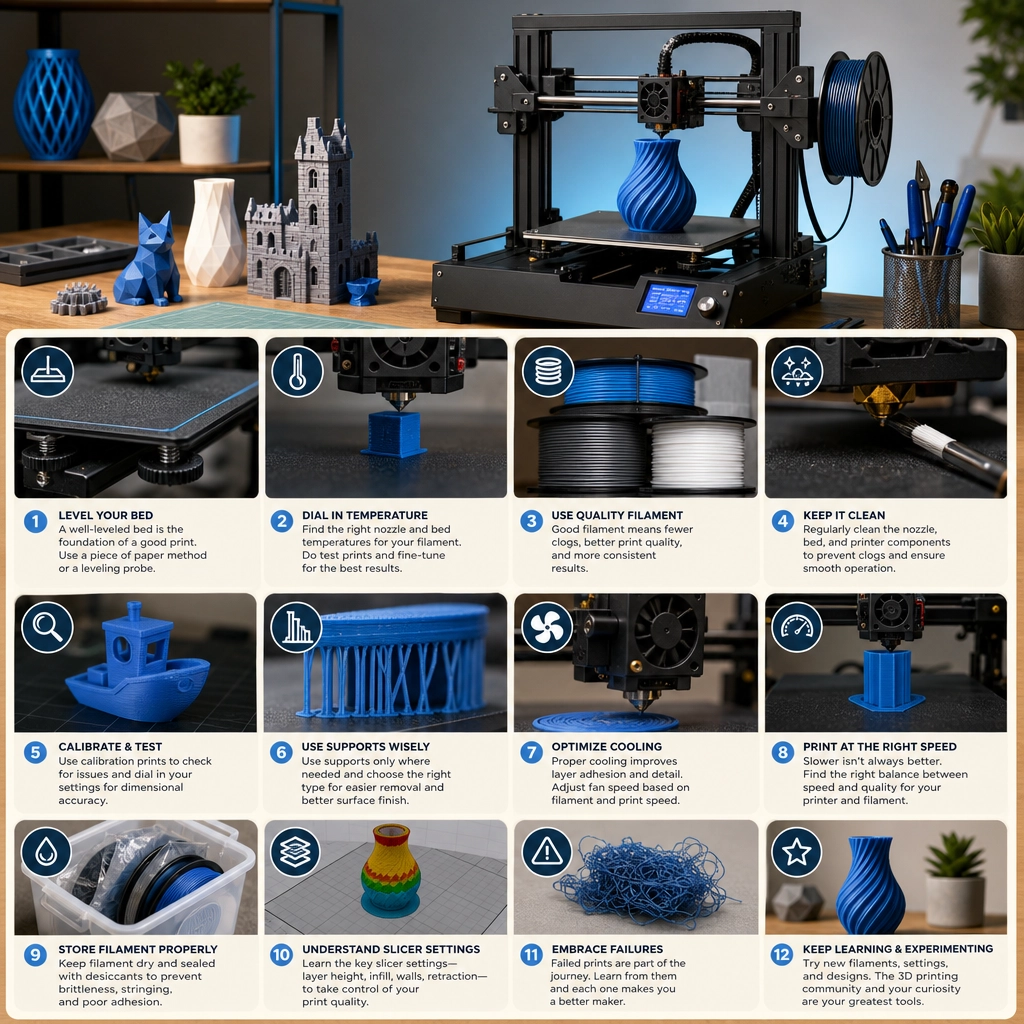

Tips and Tricks for Mastering 3D Printing at Home
There’s something undeniably magical about 3D printing, isn’t there? One minute you’re staring at your computer screen, and the next, a high-tech machine is whirring away, turning digital designs into tangible objects. Whether you’re a hobbyist, an artist, or just someone looking to venture into a new technology, mastering 3D printing at home opens up a world of creativity and innovation. Here are some handy tips and tricks to help you become a 3D printing pro.
Find Your Perfect Printer
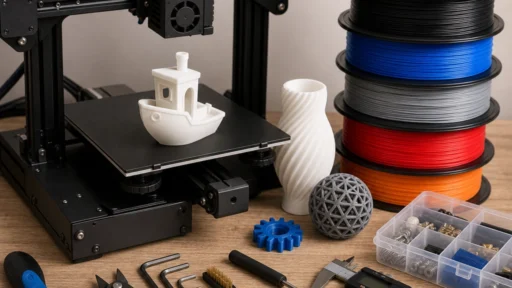
First things first: choose the right 3D printer for your needs. There are countless options out there, from budget-friendly models to high-end machines. Before diving in, consider what you want to print. If you’re looking to create small, detailed objects, an extruder-based printer may be your best bet. For larger prints, look for models with a bigger build volume. Do your research, read reviews, and, if possible, test a few printers at local makerspaces or shops. Remember, your first printer might not be your last, so choose wisely!
Stock up on Quality Filament
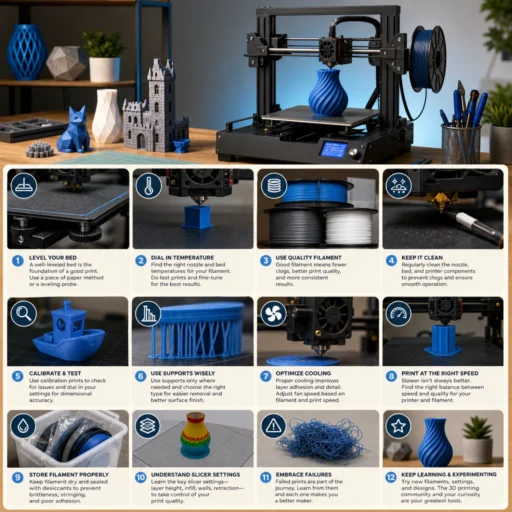
Once you’ve got your printer, it’s time to get started with filament. The type you choose can dramatically impact print quality. Look for reputable brands, as cheaper options may lead to clogs or poor adhesion. PLA is a great starter filament—it’s user-friendly and eco-friendly, easy to print with, and has a sweet vanilla scent! As you gain more experience, you can explore other materials like ABS, PETG, or specialized filaments like flexible or filament infused with wood and metal.
Calibrate Like a Pro
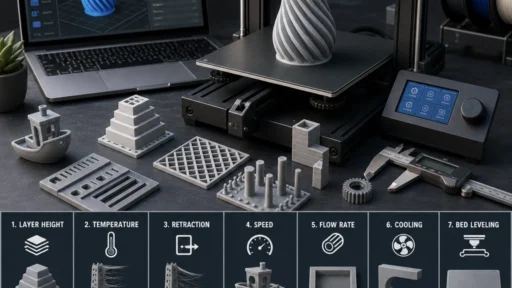
Calibration is the backbone of successful 3D printing. Think of it as setting the foundation before building a house—if you don’t get it right, everything else could crumble. Start with bed leveling; many printers have automated features that help with this, but even a manual adjustment can go a long way. A good rule of thumb is to have a piece of paper between the nozzle and the bed, ensuring a slight drag when you pull it out.
Then adjust your flow rates and temperatures according to your filament’s requirements. It might take a few trials, but don’t fret—every print is a learning experience!
Experiment with Settings
Speaking of learning experiences, don’t hesitate to tinker with print settings. Most slicing software allows users to adjust layer height, print speeds, and temperature settings. Start with the recommendations that come with your filament, but after a few prints, feel free to alter them slightly to see how it affects the final result. Lower layer heights result in finer details, while higher speeds can produce quicker prints if you’re in a rush. Experimentation is key—just keep notes on what works and what doesn’t.
Monitor Your Prints
While it’s tempting to set your printer going and walk away, sticking around is beneficial—especially when you’re starting out. As you observe your prints, you’ll start noticing patterns and potential problems early on, such as warping or layer adhesion issues. This observation can be incredibly valuable and save you from wasting filament and time. Plus, there’s something quite gratifying about watching your creation come to life in real-time!
Join the Community
3D printing can sometimes feel overwhelming, but there’s a whole community of makers out there who are eager to help! Online forums, subreddits, and local maker groups are great places to ask questions, share your projects, and learn from others. YouTube is also a treasure trove of tutorials, tips, and troubleshooting guides from seasoned 3D printing enthusiasts. Engaging with the community can introduce you to new techniques and inspire the next great idea for your 3D printer!
Troubleshooting Tips
From time to time, you may encounter hiccups along the way. Prints that don’t stick, layers that show gaps, or even that dreaded spaghetti mess can happen to the best of us. First, make sure your bed is clean and free of debris. Try using a glue stick or painter’s tape for better adhesion if sticking continues to be an issue. For gaps in layers, consider adjusting your flow rate or re-seating your nozzle for a tighter extrusion.
Keep Your Printer Maintained
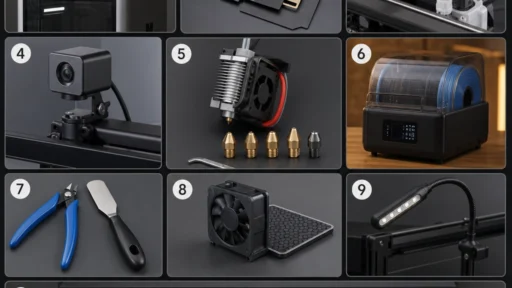
Regular maintenance can prolong your printer’s lifespan. Dust it occasionally, check the belts for tension, and replace worn-out parts before they meddle with your fantastic prints. A little care goes a long way in keeping your printer humming along smoothly!
As you embark on your 3D printing journey, remember that every expert was once a beginner. With patience, practice, and a willingness to learn, you’ll soon be creating amazing things from the comfort of your home. So, roll up your sleeves, get printing, and let your creativity flow! Happy printing!