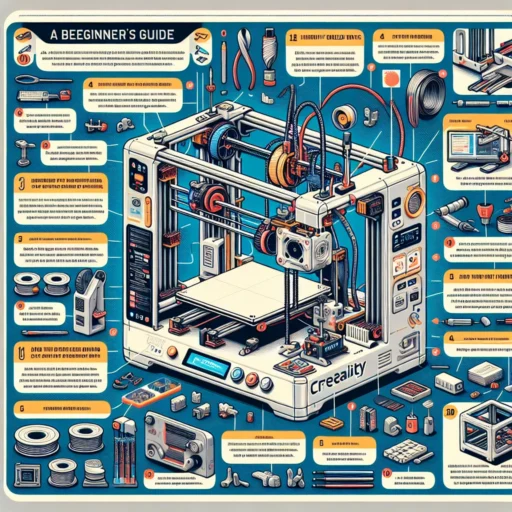
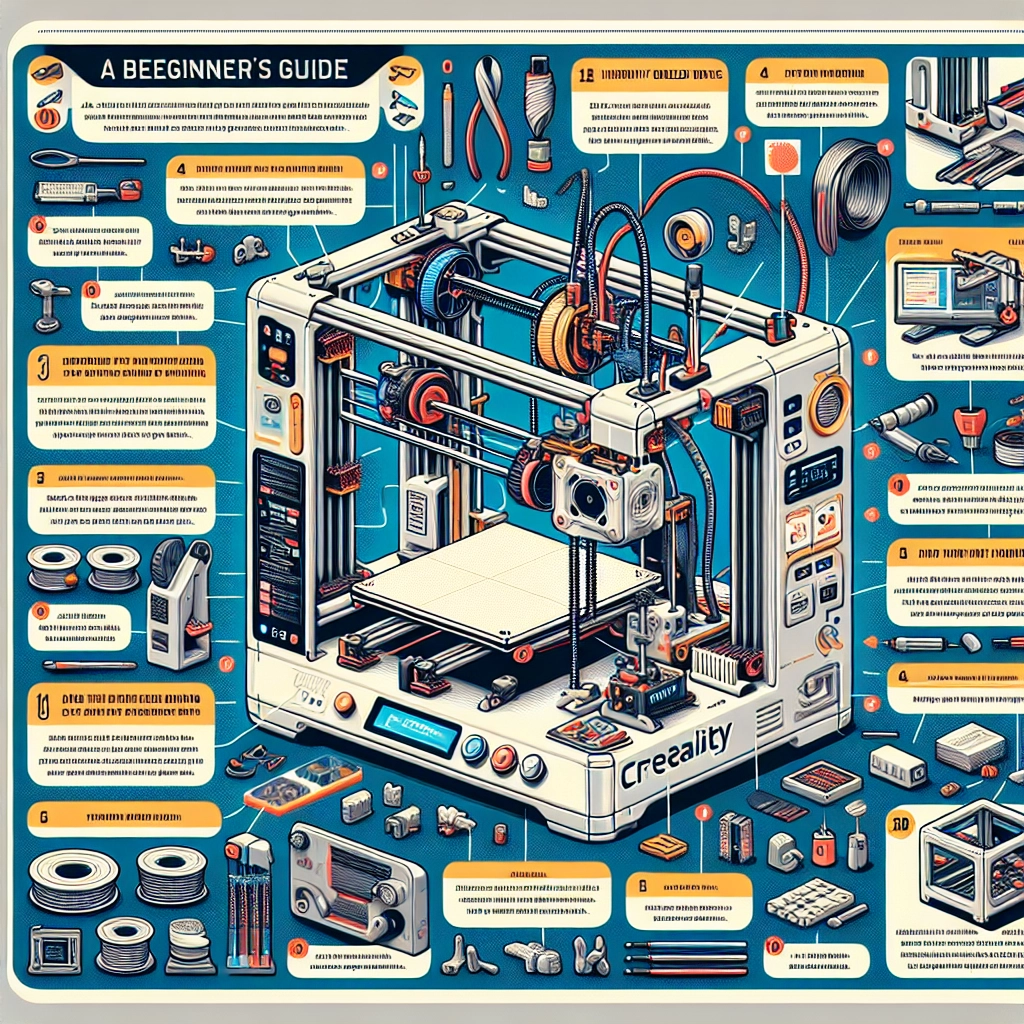

A Beginner’s Guide to 3D Printing with Creality Machines
Welcome to the fascinating world of 3D printing! If you’re just starting out, you’ve probably heard about Creality, a brand that has gained a massive following among hobbyists and professionals alike. With their range of user-friendly machines and a vibrant community to support you, Creality makes it easier than ever to dive into 3D printing. So, how do you take those first steps? Let’s explore the essentials!
Understanding the Basics of 3D Printing
Before we get into the specifics of Creality machines, let’s quickly cover what 3D printing is. Think of it as building something layer by layer, kind of like a really advanced version of crafting. You create a digital model using computer software, and then the 3D printer translates that model into a physical object by adding materials layer by layer.
The most popular method for beginners is Fused Deposition Modeling (FDM), which is how most Creality printers work. With FDM, a filament (usually plastic) is heated and extruded through a nozzle to form your design. It’s straightforward, fun, and opens up a world of creative possibilities!
Choosing the Right Creality Machine
Creality offers several models, but for beginners, the Creality Ender 3 series is the way to go. The Ender 3 Pro or the Ender 3 V2 are particularly popular choices.
What Makes Them Great for Beginners?
-
Affordability: These machines are budget-friendly, which is essential for beginners who might be wary of investing too heavily in a hobby they’re just starting.
-
Community Support: The Ender series has a large user base. This means that if you encounter any issues or have questions, there’s a wealth of online resources, forums, and tutorials available.
-
Upgrades and Mods: As you grow in your 3D printing journey, you might want to customize your printer. The Ender series is well-known for its upgradeable parts, making it a good long-term investment.
Getting Started with Your Creality Printer
Once you’ve selected your Creality machine, it’s time to set it up. Here’s a handy checklist to guide you through the initial steps:
-
Unboxing and Assembly: Follow the instructions carefully. Most Creality printers come semi-assembled, making it easier to get started. Don’t rush through this step—taking your time can prevent issues down the line.
-
Leveling the Bed: Bed leveling is crucial for a successful print. If your print bed isn’t level, your prints won’t adhere properly, leading to failures. Take your time here! Newer models like the Ender 3 V2 come with a built-in feature to help you.
-
Choosing Filament: Start with PLA filament. It’s user-friendly, has a low chance of warping, and offers great print quality. Once you get comfortable, you can explore other materials like PETG or ABS.
-
Loading Filament and Calibration: Get your filament set up by loading it into the printer. It’s also a good idea to calibrate your printer for temperature settings—different filaments require different temperature ranges.
Slicing Software and 3D Models
To turn a 3D model into a file your printer can understand, you’ll need slicing software. Creality recommends Cura, which is a free and widely-used slicing program. Here’s how to begin:
-
Download a 3D Model: Websites like Thingiverse and MyMiniFactory have a plethora of free models to choose from. You can also create your own using software like Blender or Tinkercad if you’re feeling adventurous!
-
Slice Your Model: Open your model in Cura, configure settings (print speed, layer height, support, etc.), and save the sliced file to an SD card.
-
Transfer and Print: Insert the SD card into your Creality printer, select your file, and hit print! It’s normal to feel a little jittery—watching your creation come to life is an exhilarating experience.
Troubleshooting Common Issues
As with any hobby, you may encounter hiccups along the way. Here are some quick tips to troubleshoot common problems:
- Wobbling Prints: Check that your printer is on a sturdy surface and ensure that all bolts are tightened.
- Clogged Nozzles: Clean your nozzle regularly or perform a cold pull to clear blockages.
- Warpage: Keep your print bed heated, and consider using glue stick or hairspray for better adhesion.
Getting familiar with these potential issues will make you a more confident printer. Remember, even seasoned pros face challenges!
Your 3D Printing Journey Awaits
With the right mindset and tools, you’ll find that 3D printing can become your new favorite hobby. Creality machines simplify the process while offering vast potential for creativity. Experimenting, learning, and connecting with others in the community can turn what may initially feel overwhelming into an exciting creative outlet.
So grab those tools, fire up your printer, and let your imagination take flight. Happy printing!