
How to Upgrade Your Creality 3D Printer for Better Performance
If you’re a 3D printing enthusiast, you’re probably well aware of Creality printers and their amazing capabilities. Models like the Ender 3 and CR-10 have garnered quite the following due to their affordability and ease of use. However, if you want to take your prints to the next level, there are several upgrades you can consider to enhance your machine’s performance. Whether you’re looking for better print quality, faster speeds, or improved reliability, there’s something for everyone. Let’s dive in!
1. Upgrade the Hotend
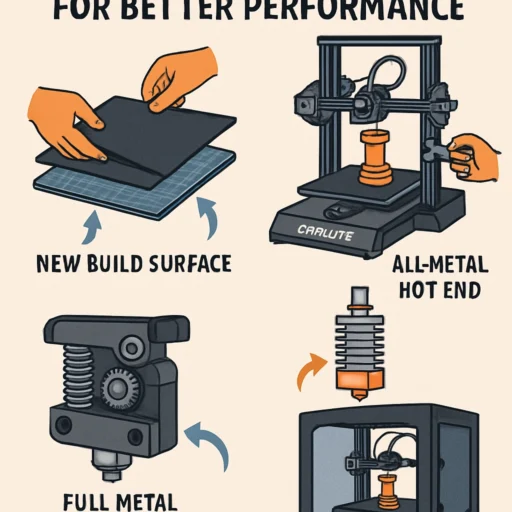
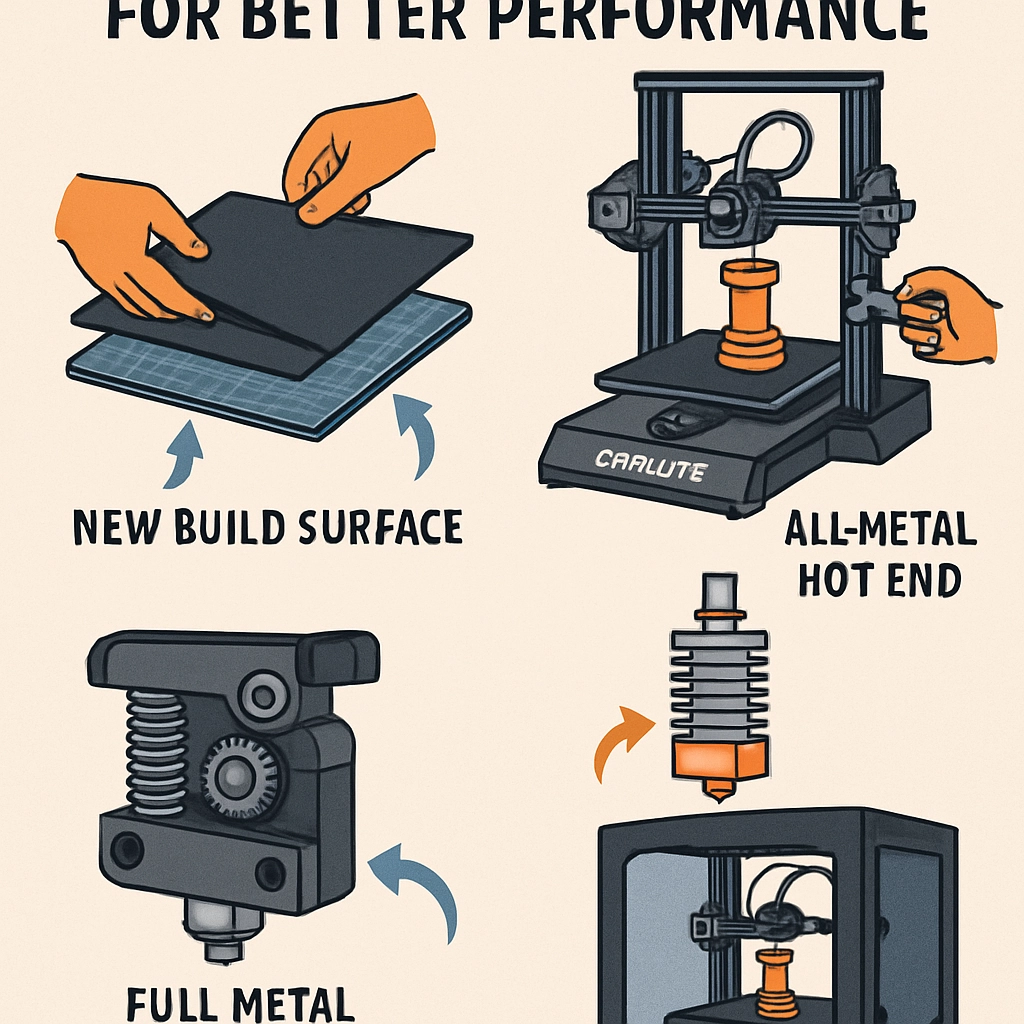
The hotend is a critical component of your 3D printer, responsible for melting the filament to create those intricate designs you love. Upgrading to an all-metal hotend can significantly improve your printer’s ability to handle high-temperature filaments, such as Nylon and PETG. Not only does an all-metal hotend allow for higher extrusion temperatures, but it also reduces clogs and improves overall print quality.
Tips:
- Look for models that are compatible with your specific printer model to ensure a smooth upgrade.
- Brands like Micro Swiss or E3D offer excellent options that are widely praised in the 3D printing community.
2. Upgrade the Build Surface
A solid adhesion to the build plate is essential for a successful print. If you’re currently using a basic glass or metal plate, consider upgrading to something like a PEI sheet or a magnetic build plate. These surfaces help with adhesion during the print and make removal much easier once your print is complete, reducing the risk of damage.
Why it Matters:
A great build surface means fewer failed prints and a better finish since prints are less likely to warp or move during the process.
3. Install an Auto Bed Leveling Sensor
If you’re tired of manually leveling your print bed, an auto bed leveling sensor might be just what you need. This upgrade saves time and ensures that every print starts on a perfectly leveled surface, leading to better adhesion and improved print quality. Devices like the BLTouch are popular choices that work well with many Creality models.
Benefits:
- Consistent first layers mean fewer print failures.
- Ideal for those who love to experiment with different materials.
4. Replace the PTFE Tube
The stock PTFE tube in your Creality printer may work fine, but it can also be a bottleneck in your printing performance, especially if you’re printing with flexible filaments. Upgrading to a high-quality, low-friction PTFE tube can help improve filament feed and reduce the chance of jams.
Pro Tip:
Look for a tube that has a larger inner diameter for better compatibility with various filament types.
5. Upgrade the Stepper Motor Drivers
Stock stepper motor drivers can sometimes lead to noisy operation and less-than-ideal performance. Upgrading to silent stepper drivers, like TMC2208 or TMC2209, can reduce noise levels significantly while providing smoother movement and better accuracy in your prints.
Sound Good?
Upgrading to quieter drivers is especially welcome if you print in small spaces or during the night.
6. Improve Your Cooling System
Effective cooling is often overlooked, but it plays a crucial role in print quality. Stock cooling solutions usually do a decent job, but you may want to consider adding an additional fan or upgrading to a direct drive cooling system. Improved cooling helps with layer adhesion, reducing the risk of stringing and improving detail on your prints.
Keep It Cool:
Investing in a better cooling solution is particularly important when working with high-speed prints or intricate designs that need accuracy.
7. Upgrade Your Firmware
Sometimes, the most impactful upgrade doesn’t involve any hardware at all! Upgrading to a custom firmware like Marlin or the Creality-specific firmware can open up a plethora of features. This could include options for better motion algorithms and improved control over features like filament sensor settings or bed leveling options.
Why Bother?
Better firmware ensures you’re making the most out of the hardware capabilities and can lead to less wear and tear on the machine overall.
8. Don’t Forget About Filament Quality
Finally, one of the simplest upgrades is to invest in high-quality filament. The type and quality of your filament can directly affect the end result of your prints. Experimenting with premium brands can yield noticeable improvements in print quality, strength, and appearance.
The Bottom Line
Upgrading your Creality 3D printer not only enhances your printing experience but can also reignite your passion for creating. Each of these modifications can lead to improved print quality, reliability, and efficiency, putting you on the path to achieving those dream designs you’ve always wanted. Whether you’re a seasoned pro or just starting, a few thoughtful upgrades can take your creations to new heights. Happy printing!