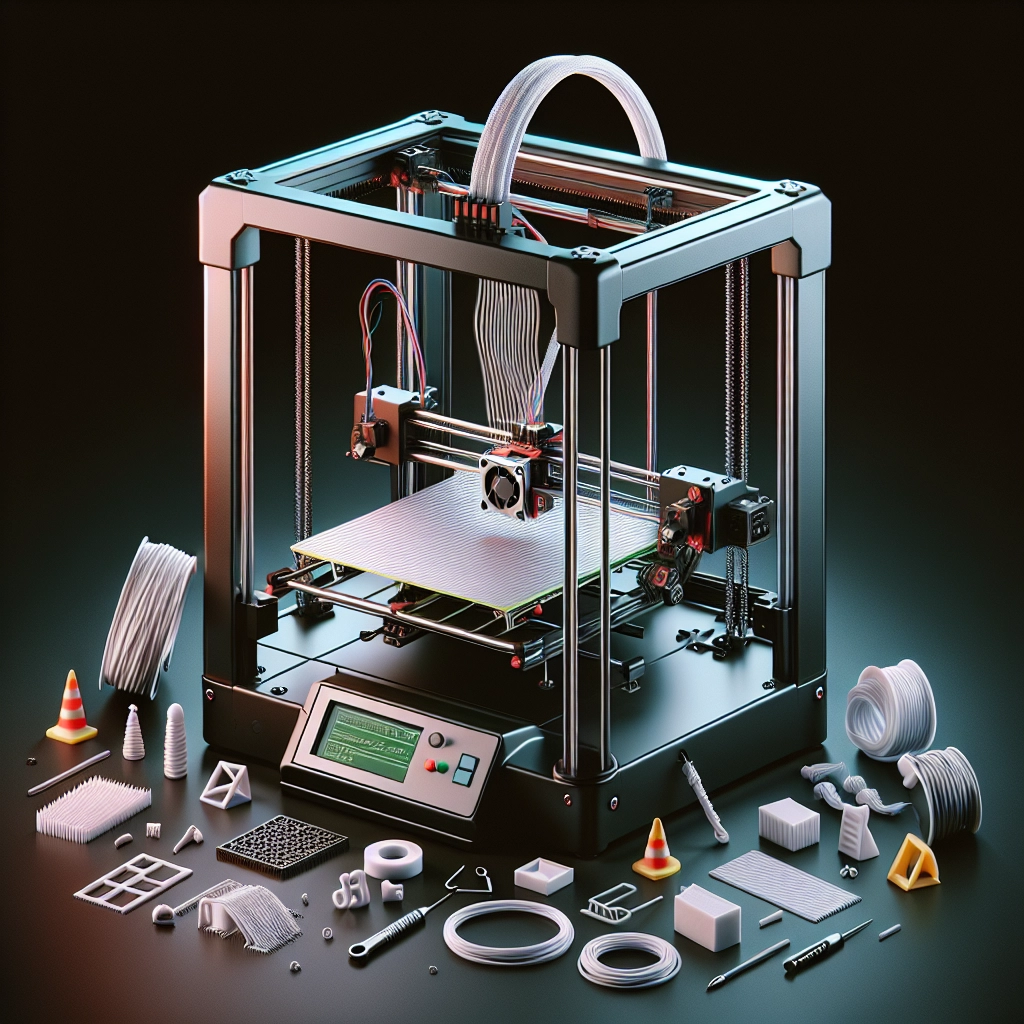

Troubleshooting Common 3D Printing Issues
3D printing has revolutionized the way we create objects, making it possible for hobbyists and professionals alike to bring their ideas to life in a matter of hours or days. But like any technology, it comes with its own set of challenges. If you’re new to 3D printing or even if you’ve been around the block a few times, you may run into some common issues that could throw a wrench in your creative process. Don’t worry! In this post, we’ll dive into the most frequent problems faced by 3D printing enthusiasts and provide some handy tips for resolving them.
1. Warping
One of the most common issues in 3D printing is warping, where the corners of your print lift off the build plate during the printing process. This typically happens with materials like ABS. To combat warping, you can try:
- Increasing bed temperature: Keeping the print bed warm helps the material stick during the cooling process. Make sure your printer’s bed is heated if you’re working with materials prone to warping.
- Using adhesive aids: A glue stick, hairspray, or commercial adhesives can help improve bed adhesion.
- Brim or Raft: Adding a brim or a raft to your print can give it extra surface area, helping it stick to the build plate better.
2. Layer Separation
Have you ever noticed your prints looking like they’ve been through a tough breakup? That separation between the layers can be disheartening. This might be due to insufficient extrusion, poor adhesion between layers, or incorrect temperature settings. Here are a few solutions:
- Increase nozzle temperature: Sometimes, raising the temperature slightly (5-10°C) can help layers bond more effectively.
- Check your layer height: Too large a layer height can lead to weak adhesion. Experiment with smaller layers (like 0.1-0.2mm) for better results.
- Control cooling: If your cooling fan is blasting too much cold air on the print, consider reducing its speed for layers that require more bonding time.
3. Stringing
Stringing is when little strands of plastic string between parts of your print, resembling spider silk. It can be quite frustrating, but luckily, it’s easy to address.
- Retraction settings: Adjusting the retract distance and speed in your slicer can minimize stringing. A good starting point is a retraction distance of around 1-6 mm, depending on your printer and filament type.
- Temperature tweaks: Lowering the nozzle temperature can help; if the filament isn’t as gooey, it’s less likely to ooze out.
- Travel speed: Increasing your travel speed can also help minimize the time the nozzle spends moving over open spaces.
4. Under-extrusion
If your prints are missing parts or have weak, thin layers, under-extrusion is likely to blame. It can stem from a clogged nozzle, incorrect settings, or filament issues. Here’s how to troubleshoot:
- Clean your nozzle: Regular maintenance is key. A clogged nozzle can restrict filament flow, leading to under-extrusion.
- Check filament diameter: If you’re using a filament spool that isn’t the specified diameter, you may need to adjust your slicer settings accordingly.
- Extrusion multiplier: Increase the flow rate or extrusion multiplier in your slicer settings to ensure enough material is being pushed through.
5. Over-extrusion
On the flip side, you might find that your print looks overly thick or bulges in certain areas. This is a sign of over-extrusion. Here’s what you can do:
- Calibrate your steps/mm: Double-check your extruder’s calibration. You might want to run a test print to ensure that it’s extruding the right amount.
- Reduce flow rate: If you’ve adjusted your extrusion multiplier, consider decreasing it slightly to avoid over-extrusion.
- Check your slicer settings: Make sure that your slicer settings match the filament you’re currently using, such as its diameter.
The Road to Perfect Prints
The world of 3D printing is fascinating, but it can require a bit of patience and experimentation. Every printer is different, and sometimes the same printer may act differently depending on environmental conditions or age. So, if something doesn’t work on the first try, take a deep breath and remember that 3D printing is as much about the journey as it is about the final product.
With some troubleshooting techniques in your toolbox, you’ll be better equipped to tackle the issues that come your way. Happy printing, and here’s to crafting your next masterpiece!