


The Creative Process: Designing Your Own 3D Models for Printing
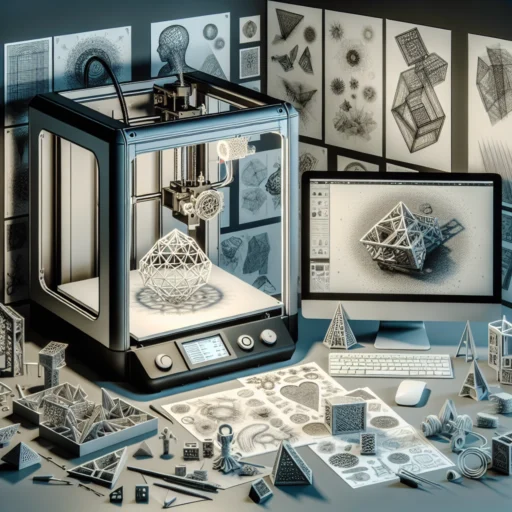
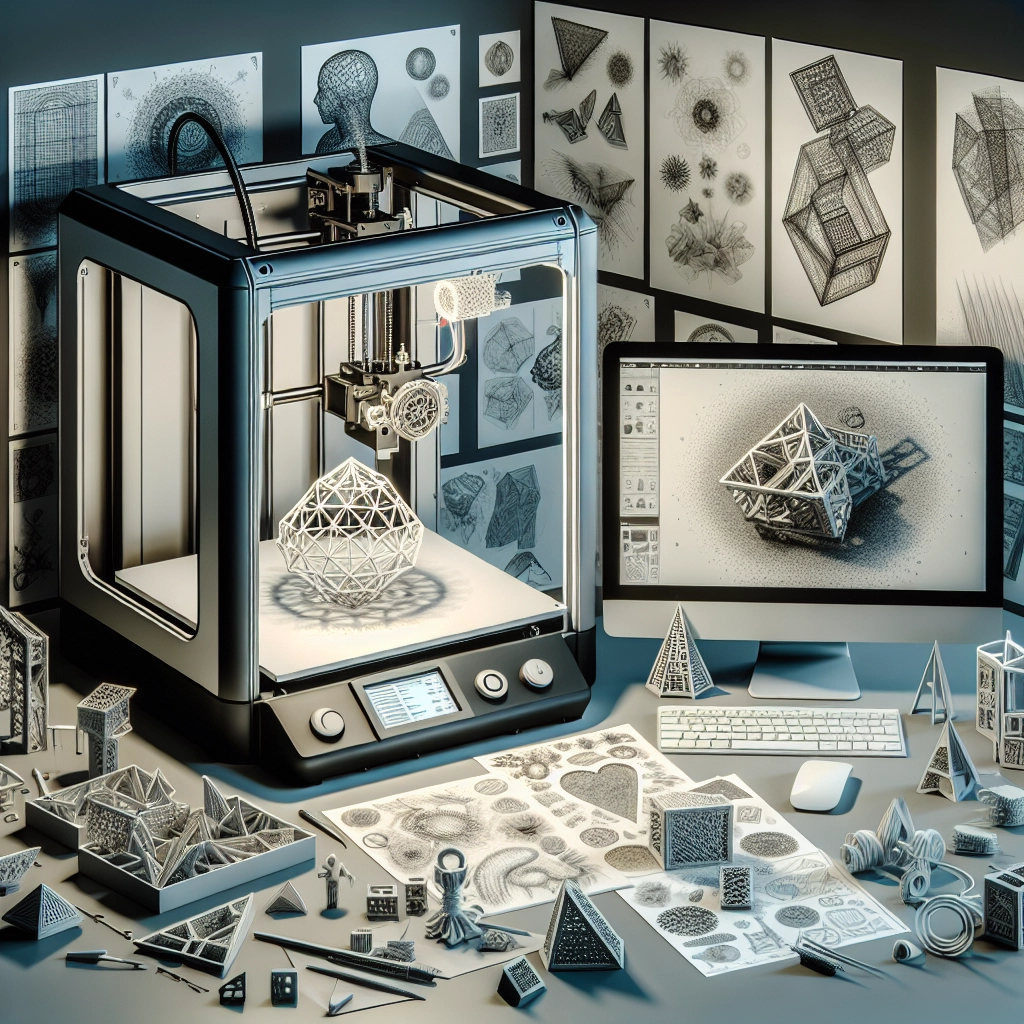
In recent years, the fascinating world of 3D printing has opened up incredible possibilities for creators, designers, hobbyists, and even everyday folks who want to bring their ideas to life. Whether it’s a simple keychain or a complex prototype, designing your own 3D models not only allows for immense creativity but also gives you hands-on experience with technology that’s shaping industries. Let’s dive into the creative process of designing your very own 3D models for printing!
Gathering Inspiration
Every great design starts with inspiration. Take some time to explore the world around you—browse design platforms like Pinterest, Behance, or even Instagram to see what others are creating. You might even find motivation in the objects you use every day or nature’s forms. Take photographs, sketch your ideas, or jot down notes in a notebook; keep your creative juices flowing. Remember, no idea is too small or too silly—sometimes the simplest concepts can lead to the most engaging designs!
Choosing the Right Software
Once you’ve settled on an idea, it’s time to turn that inspiration into a digital reality. There are plenty of software options out there to help you design your 3D models. Here are a few popular choices:
-
Tinkercad: Perfect for beginners, Tinkercad is a user-friendly, web-based application that helps you create simple 3D designs. Its drag-and-drop features make it easy to manipulate shapes until you achieve the look you desire.
-
Fusion 360: If you’re looking for something more advanced, Autodesk Fusion 360 offers a robust suite of tools. It’s great for technical designs and is used by professional designers around the world.
-
Blender: For those interested in animated or sculpted designs, Blender is an open-source option that provides a myriad of features including modeling, texturing, and animation.
Explore a little to find a program that fits your needs—some folks prefer the straightforwardness of Tinkercad, while others dive straight into the complexity of Fusion 360.
Sketching Your Ideas
Even though it may feel like the design process starts in front of your computer, don’t underestimate the power of pen and paper! Sketching out your design helps you visualize proportions and details. This is your chance to experiment with shapes, sizes, and variations before committing to a digital model.
Don’t worry about getting it perfect on your first try. The goal here is to iterate. You might find that a particular element doesn’t work as you envisioned, or you might come up with new ideas as you draw. And who knows? You might stumble upon a design gem you hadn’t considered before!
Building Your Model
Once you have a solid sketch, move to your chosen software. Begin with basic shapes to form the foundational aspects of your design. Most 3D modeling software will allow you to manipulate those shapes—combining, slicing, and scaling them into the final product. It’s a process that requires patience, but there’s something incredibly rewarding about watching your 2D idea blossom into a 3D model.
While building your model, keep in mind the principles of design such as symmetry, balance, and proportion. If you’re planning to print your model, consider things like thickness and stability, as these will greatly impact how well your piece prints in the end.
Testing and Refining
Once you’re satisfied with your 3D model, it’s time to test it! Use slicing software like Cura or PrusaSlicer to prepare your model for printing. This stage can reveal potential flaws in your design that need adjusting, like overhangs or excessive supports. Don’t be intimidated by the possibility of failure! Each print, whether successful or not, teaches you valuable lessons about your creativity and improves your skills.
After a successful print, take a moment to examine your creation. What do you like? What could be better? Use this feedback, whether from self-reflection or input from others, to refine your model for future creations. Remember, even industry professionals are always improving their designs; it’s all part of the journey!
Celebrate Your Creations
Finally, don’t forget to celebrate your victories! Each model is a testament to your creativity, effort, and willingness to learn. Share your designs on social media or with friends, and don’t hesitate to showcase your workflow—it might inspire someone else to dive into the world of 3D printing.
Designing your own 3D models can be one of the most fulfilling creative processes you’ll embark on. It encourages exploration and experimentation while honing your technical and artistic skills. As you design, print, and refine, you’re not just creating objects—you’re crafting experiences and challenges that propel your creativity to unimaginable heights. Engage with this process and watch your ideas come to life in three-dimensional splendor!


