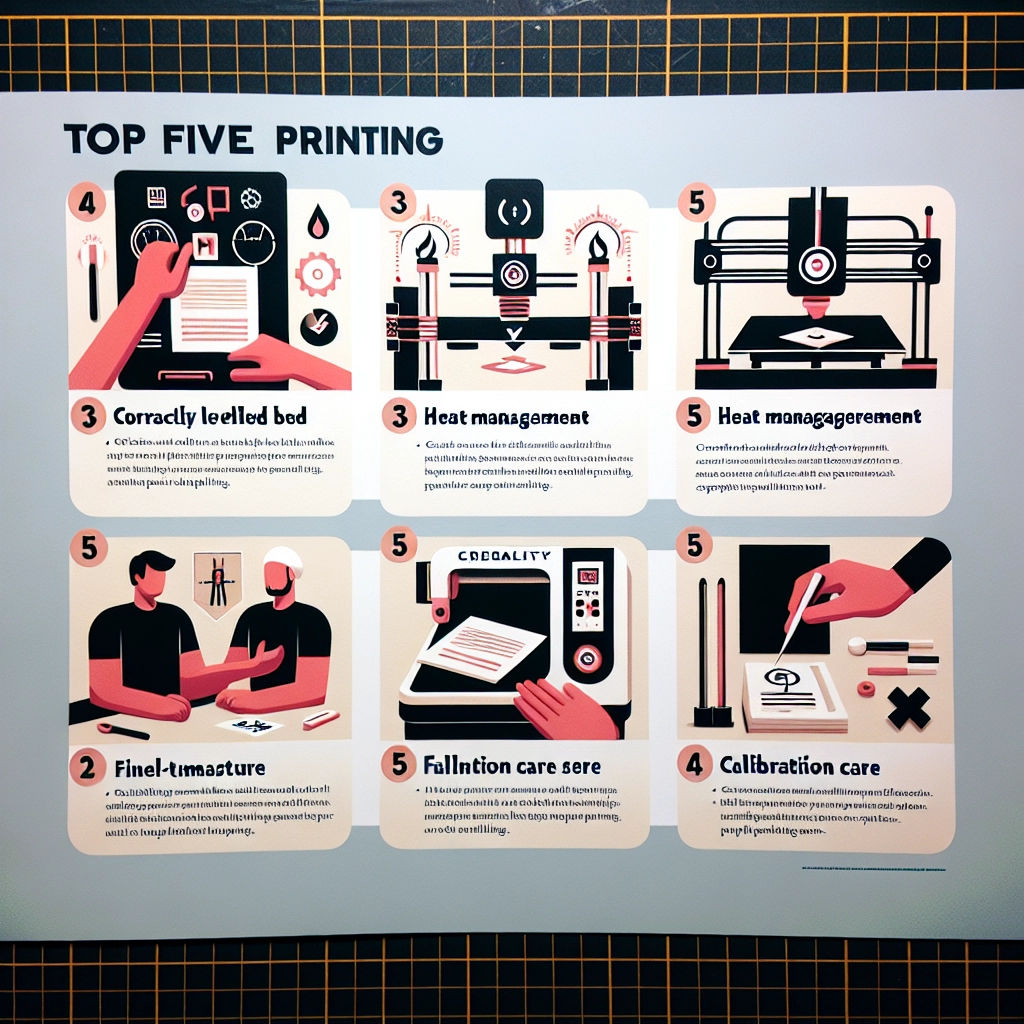

Top 5 Tips for Successful 3D Printing with Creality
3D printing has revolutionized the way we create and design objects, from prototypes to custom pieces, opening up a world of possibilities for hobbyists, educators, and professionals alike. If you’re using a Creality printer, you’re already on the right track! Known for their reliability and affordability, Creality printers are a favorite within the 3D printing community. However, to truly harness their potential, there are some key tips that can make your printing journey smoother and more successful. So, whether you’re a seasoned pro or just starting, let’s delve into the top five tips for getting the best results from your Creality printer.
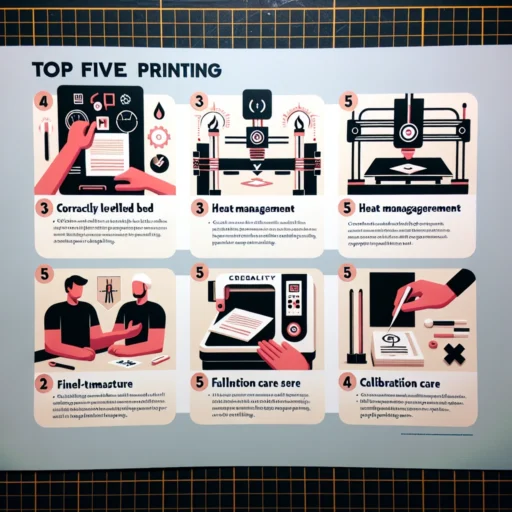
1. Master Your Settings
One of the most important aspects of successful 3D printing is getting to know your printer’s settings. Whether you’re using a Creality Ender 3 or the CR-10, understanding parameters like layer height, print speed, and temperature can significantly impact your print quality. Start with recommended settings from reliable sources or the user manual. It’s a good idea to run test prints to tweak these settings based on the specific filament you’re using—PLA, ABS, or PETG, for example—since each material has its own optimal conditions. Don’t be afraid to experiment a little; finding that perfect balance can be a game-changer for your prints!
2. Level Your Print Bed
If there’s one thing that can make or break your prints, it’s a well-leveled print bed. An uneven bed can lead to issues like poor adhesion, uneven layers, or even print failures altogether. Most Creality printers come with a manual bed leveling feature, which might sound tedious but is essential. To start, make sure the printer is turned off, then adjust the bed height at all four corners using a piece of paper to gauge distance. Aim for a slight drag when moving the paper; this indicates that the nozzle is at the right height. Regularly check the leveling, especially if you move the printer or change the bed surface.
3. Choose the Right Filament
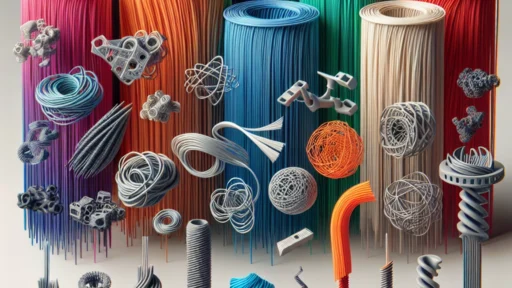
Not all filament is created equal, and the right material can make a big difference in your print results. Creality printers are compatible with a wide variety of filaments, but you’ll want to pick one that suits your project. For beginners, PLA is a great starting point due to its ease of use and minimal warping—ideal for intricate designs. If you need something more durable, ABS may be your go-to, but just be aware that it requires a bit more finesse with print settings and enclosure to prevent warping. Take note of the filament’s recommended temperature settings, as sticking to them will help you achieve optimal layer adhesion and prevent issues like stringing or blobbing.
4. Maintain Your Printer
Regular maintenance might not be the most exciting topic, but it plays a crucial role in successful 3D printing. Just like a car needs oil changes, your printer requires TLC too! Begin by routinely cleaning the nozzle to avoid clogs and keep it running smoothly. A simple cleaning filament can do wonders. Also, make sure to lubricate the printer’s moving parts to ensure they operate without snags. Keeping the extruder and hotend free of debris is essential as well; this will not only prolong your printer’s life but also ensure consistent print quality.
5. Join the Community
Lastly, don’t forget about the power of community! The Creality user community is vast and filled with passionate enthusiasts eager to share their experiences, tips, and fixes for common problems. Whether it’s on forums, Facebook groups, or Reddit, there’s a wealth of knowledge just waiting to be tapped. You can find invaluable advice on troubleshooting issues, gain inspiration for new projects, or even share your own triumphs and challenges. Getting involved not only enhances your skills but can make your 3D printing journey a whole lot more fun.
3D printing with Creality can be a rewarding experience filled with creativity and innovation. By mastering your settings, ensuring a level bed, choosing the right filament, maintaining your printer, and engaging with the community, you’re paving the way for successful prints that you can proudly showcase.
So, roll up your sleeves, fire up that printer, and let your imagination run wild! Your next masterpiece is closer than you think.