
The Role of Software in 3D Printing: Navigating Slicing Programs
3D printing has revolutionized the way we think about design and manufacturing. It opened up limitless possibilities for hobbyists, engineers, and artists alike. But if there’s one thing that ties the entire 3D printing process together, it’s the software used to turn digital models into tangible objects. At the heart of this software realm are slicing programs, the unsung heroes of 3D printing. Let’s dive into what these tools do and why they are crucial to the 3D printing journey.
What is a Slicing Program?
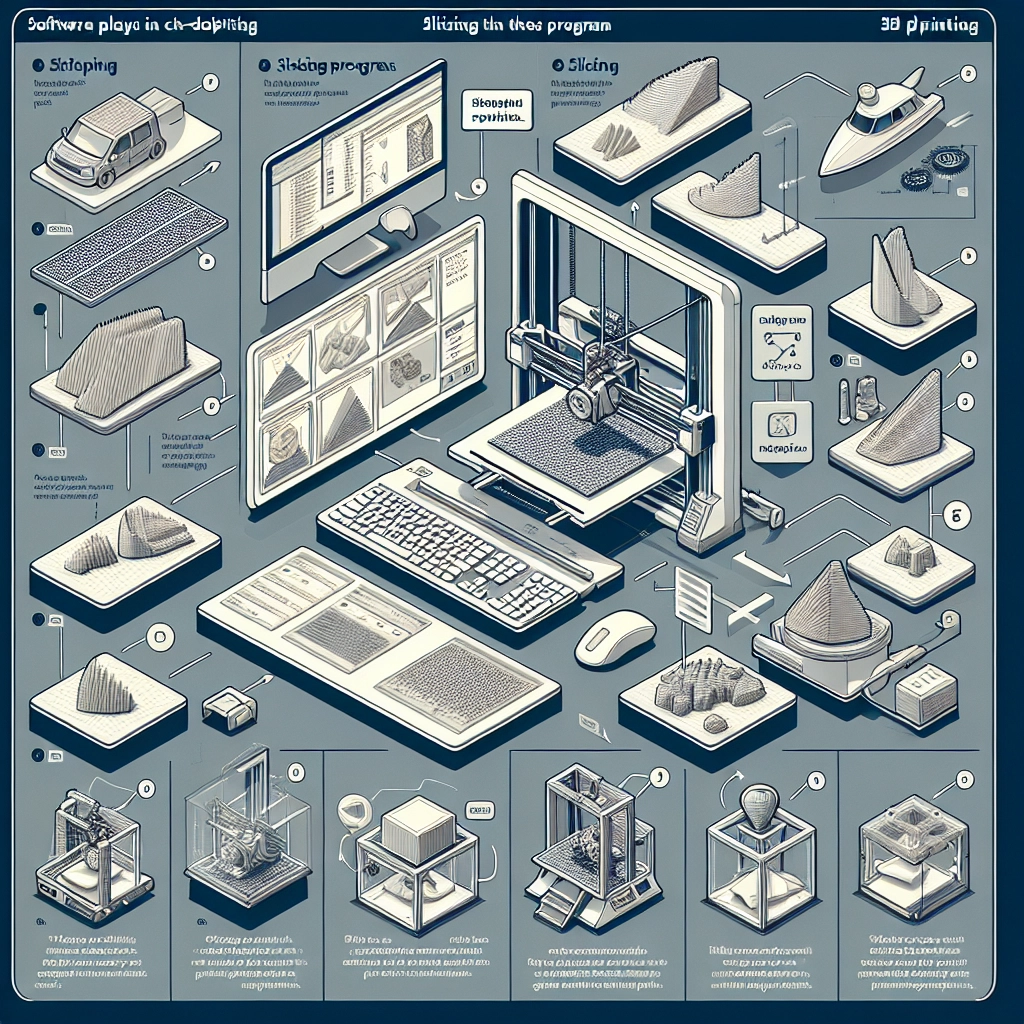
At its core, a slicing program is a piece of software that converts 3D models into a set of instructions, known as G-code, that a 3D printer can understand. You might think of this process as taking a multi-layered dessert and cutting it into slices. Each slice represents a layer of the final object, guiding the printer on where to deposit material, how fast to move, and how much filament to extrude.
When you create a model in CAD software or download one from a site like Thingiverse, it exists in a format like STL (Stereolithography). However, printers can’t work from these files directly. That’s where slicing programs, such as Cura, PrusaSlicer, and Simplify3D, step in. They visualize and manipulate the model, translating it into actionable steps for the printer.
Why Are Slicing Programs Essential?
While you might be tempted to think the magic happens solely in the printer, slicing programs are what enable that magic. A good slicing program can significantly impact the quality of your print, the speed of production, and even the durability of your finished object. Here are a few reasons why navigating these tools is so crucial:
Customization
Slicing programs come packed with settings that can be fine-tuned to fit your specific project. You can control everything from the layer height to the print speed, infill density, and support structures. Want to make a sculpture airy and lightweight? Adjust your infill density. Need a solid part for engineering purposes? Increase the density. The flexibility gives you creative freedom to experiment and optimize prints to achieve the best possible results.
Error Correction
Surprises can occur in 3D printing, just like they do in life. Fortunately, many slicing programs have built-in tools to help spot errors in 3D models. They can detect issues like non-manifold edges or intersecting geometries that could lead to failed prints. Catching these errors before you hit ‘print’ saves you time, filament, and frustration.
Previewing Prints
Most slicing software provides a preview mode, allowing you to visualize what the printer will do with your model layer by layer. This is a valuable tool for catching mistakes or refining your settings. Observing the toolpath also helps you understand how the printer will navigate complex geometries, giving you insight into potential problem areas.
Integration with printers
Many slicing programs are tailored to specific types of printers. They come pre-loaded with profiles for various machines, helping to streamline the setup process. This compatibility ensures that the G-code generated will be understood by your printer, reducing the likelihood of miscommunications or errors. As you delve deeper into the world of 3D printing, you may find it beneficial to explore the intricacies of compatibility and what specific settings might give your prints the edge.
A Balancing Act
Navigating slicing programs can feel overwhelming at first due to the sheer number of settings available. However, it’s essential to remember that mixing and matching parameters can yield drastically different results; experimentation is part of the journey. Try adjusting one setting at a time to see how it affects your prints. It’s almost like cooking—you might not get the recipe right on the first try, but with practice, you’ll learn what works best for your unique taste.
Tools of the Trade
While there are many slicing programs to choose from, it’s essential to find one that fits your needs and style. Cura is a popular choice for beginners and offers a friendly interface with powerful features. PrusaSlicer is great for those using Prusa printers but is versatile enough for any printer type. For those willing to invest a bit more, Simplify3D provides extensive features and customization options.
The world of 3D printing is full of innovation, and mastering the software behind it is just as important as becoming familiar with the hardware. Slicing programs play a pivotal role in transforming your digital dreams into physical realities. As you dive into this fascinating realm, remember to embrace the learning curve, share your experiences, and, most importantly, enjoy the creative process. Happy printing!