


How to Set Up Your First 3D Printer: Tips from the Experts
Ah, the magical world of 3D printing! You’ll find yourself on a wild journey, turning digital dreams into tangible realities. Whether you’re looking to print prototypes, fun models, or unique household items, the thrill of owning a 3D printer can be hard to beat. But before you dive in headfirst, it’s crucial to get your setup right. Lucky for you, we’ve gathered some expert tips to help you launch your 3D printing adventure smoothly!
Choosing the Right Location
First things first, decide on where to set up your printer. This might sound trivial, but trust me—selecting the right space can make a huge difference. You’ll want a sturdy, level surface that’s spacious enough to accommodate your printer and any tools or materials you might need. Also, consider ventilation. Some filaments can release fumes while printing, so placing your printer in a well-ventilated area (or investing in a printer with a closed design) can keep your workspace fresh and breathable.
Unboxing and Familiarization
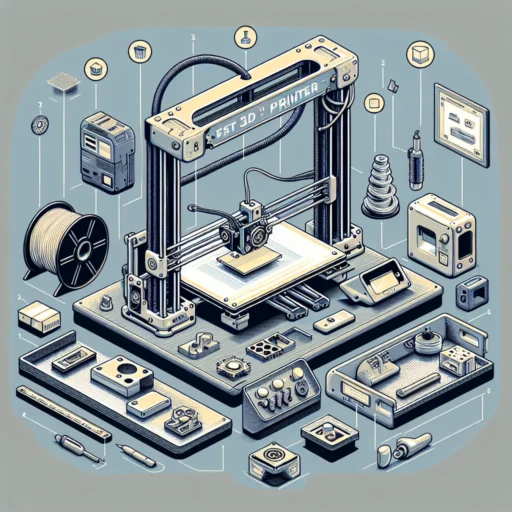
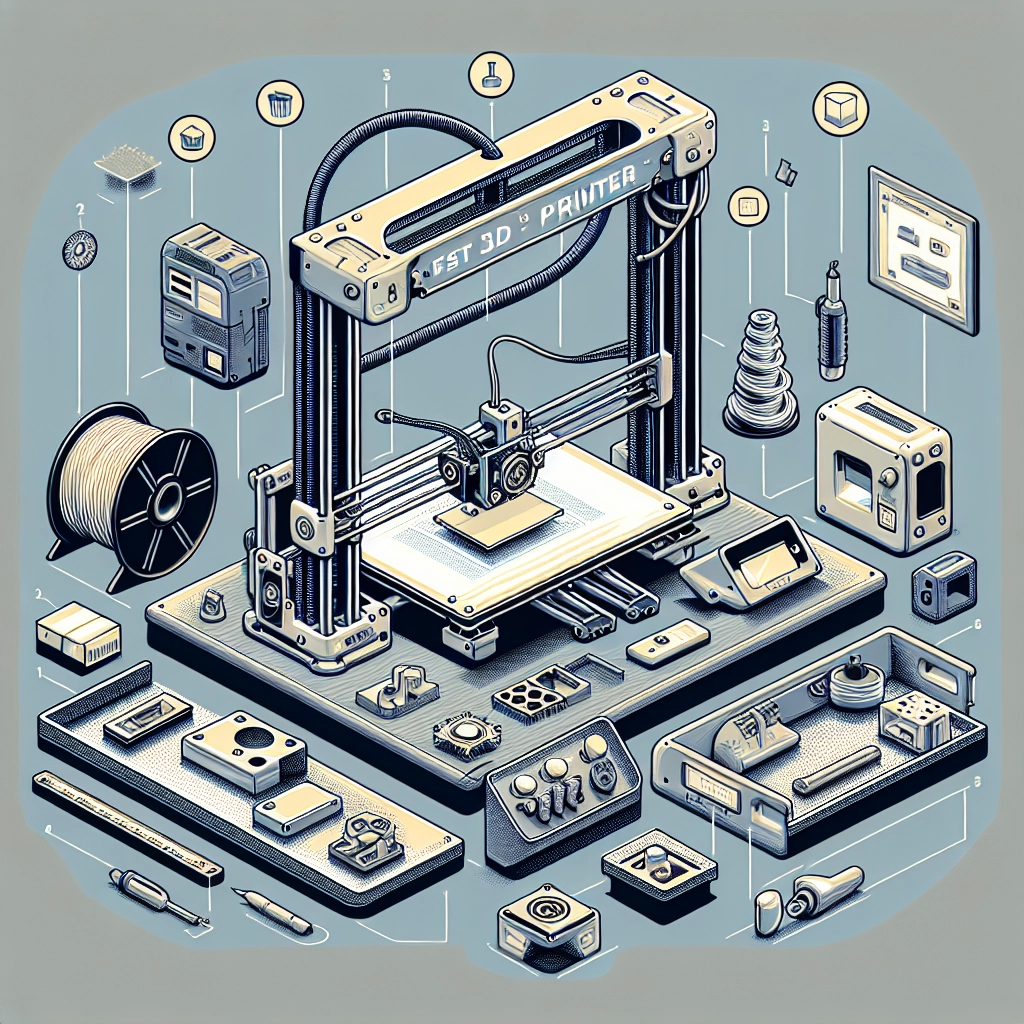
Once you’ve picked the perfect spot, it’s time to unbox! Carefully remove your printer from its packaging and take a moment to get acquainted with its parts and components. Familiarize yourself with the user manual—yes, I know reading manuals isn’t the most thrilling activity, but they often contain valuable information on setup and troubleshooting.
Lay everything out: the printer, power cords, tools, and the filament. This will give you a clear picture of what you’re working with. Make sure to check for any missing parts; most retailers have helpful customer service teams if you run into any issues.
Leveling the Build Plate
Here’s where the magic starts to happen—leveling the build plate! A well-leveled print bed is crucial for successful prints. Many printers come with a built-in leveling feature, but if yours doesn’t, here’s a nifty trick: use a piece of paper. Slide the paper between the nozzle and the build plate; adjust the plate height until you feel slight resistance when you pull the paper out. Repeat this process at multiple points across the build plate to ensure it’s evenly leveled.
Selecting the Right Filament
When starting, it’s essential to choose the right filament for your projects. PLA (Polylactic Acid) is an excellent beginner-friendly option, as it’s easy to work with, has a low melting point, and produces great results for most prints. Once you get the hang of things, you can explore other materials like ABS (Acrylonitrile Butadiene Styrene) or PETG (Polyethylene Terephthalate Glycol). Each filament type has its benefits and quirks, so don’t hesitate to experiment as you become more comfortable.
Software Setup and Slicing
Now that you have your printer set up and your filament selected, it’s time to dive into the software side of things. Most 3D printers do not come with a built-in interface for printing, so you’ll need to download slicing software to prepare your 3D models for printing. Popular options include Cura, PrusaSlicer, and Simplify3D.
Take some time to explore the slicing settings to optimize your prints. Features like layer height, print speed, and infill percentage can drastically affect the outcome of your prints. A bit of trial and error is normal in this stage—don’t get discouraged if your first few attempts aren’t perfect!
Test Print Time
Once everything’s set, it’s time for the moment of truth—your first test print! Start with something simple, like a calibration cube or a small model that’s readily available online. This will help you fine-tune your settings before moving on to more complex projects. When the print finishes, take a moment to appreciate your work. And remember, every expert was once a beginner!
Maintenance Matters
As you embark on this printing journey, never overlook maintenance. Keep your work area clean, and regularly check for any wear and tear on your printer. Lubricate moving parts and keep the nozzle clean to ensure smooth operation. It’s like taking care of a pet—consistent attention goes a long way!
Getting your first 3D printer up and running can feel like a daunting task, but it’s truly an exciting adventure filled with creativity and potential. With these expert tips in your toolkit, you’ll be well on your way to mastering the art of 3D printing. So, roll up your sleeves, unleash your imagination, and let the 3D printing magic begin! Happy printing!


