
A Guide to the Best Creality 3D Printer Accessories
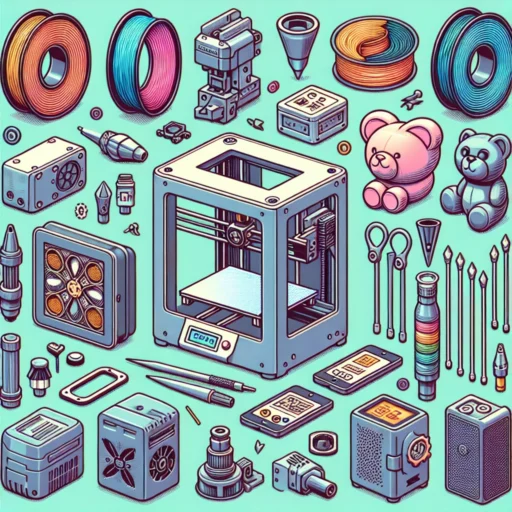
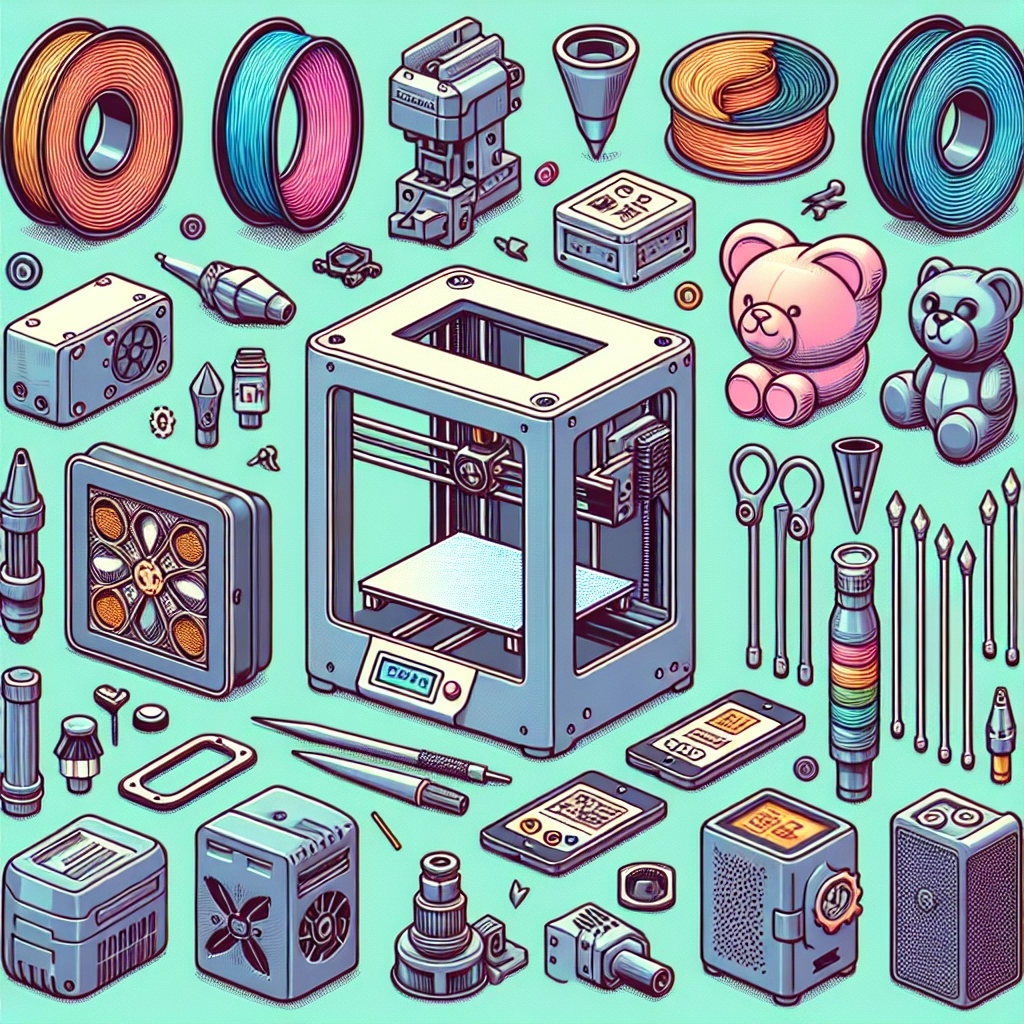
If you’re a proud owner of a Creality 3D printer, you’re probably already captivated by the endless possibilities of creating your very own three-dimensional designs. But did you know that enhancing your 3D printing experience goes beyond just the printer itself? A whole ecosystem of accessories can take your prints to the next level. In this guide, we’ll explore some of the best accessories available for Creality 3D printers that can help improve print quality, simplify the printing process, and maybe even unlock new creative potential.
1. High-Quality Filaments
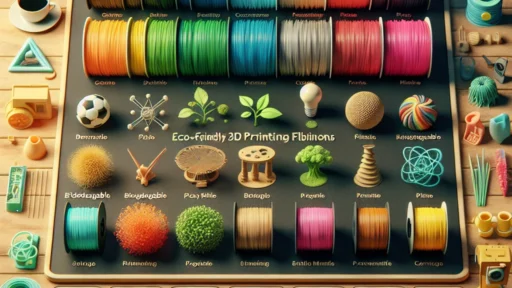
It all starts with the filament! The material you use has a significant impact on the quality of your prints. Creality printers are compatible with a variety of filaments, including PLA, ABS, PETG, and TPU. If you want to up your game, consider investing in high-quality filaments from brands like Hatchbox, Overture, or MatterHackers. These filaments not only provide better layer adhesion but also come in various hues, textures, and even effects.
2. Build Surfaces and Adhesives
Getting that perfect first layer is crucial to a successful print. That’s where a good build surface comes into play. Creality’s printers often come with glass or textured beds, but you can improve adhesion and reduce warping by using a magnetic build plate or specialized adhesive sprays and sticks. The PEI-coated build plates are especially popular because they help prints stick during the print but are easy to remove afterward.
3. Upgraded Cooling Fans
Thermal management during the printing process can make or break your project. At times, the stock cooling fans may not provide sufficient airflow for more complex designs or filaments. Upgrading to a more efficient cooling fan or a dual-fan system ensures that your prints cool down quickly and evenly, preventing issues like stringing or sagging. Brands like Noctua offer some whisper-quiet, high-performance fans that can really boost your cooling setup without a lot of noise.
4. Filament Dryers
Humidity can wreak havoc on your filaments, leading to poor-quality prints and frustrating inconsistencies. A filament dryer like the SUNLU Filament Dryer Drawer can save you a lot of headaches by ensuring your materials are kept dry and at optimal conditions. Just a little preemptive care can save you from a mess of failed prints down the line.
5. Nozzle Cleaners and Kits
Over time, your nozzles can become clogged due to various filament residues. It can be a real bummer when it disrupts your printing workflow! A nozzle cleaning kit that includes tools like brass brushes and drill bit cleaners can help maintain your nozzles and keep them in good shape. Consider stocks of various nozzle sizes so you can switch up your designs without hassle.
6. OctoPrint Setup
If you want to elevate your 3D printing game, consider using OctoPrint, an open-source software that allows you to monitor and control your printer remotely. It’s a little bit of a tech project setting up, but once it’s running, OctoPrint will let you slice, control, and monitor your prints from your computer or smartphone. There’s something incredibly satisfying about being able to manage your printer while relaxing at home or even while out and about.
7. Filament Storage Solutions
Keeping your filaments organized and protected can extend their lifespan and keep your workspace tidy. Airtight containers or vacuum-sealed bags are great for keeping out moisture and dust. You can even consider organizing your filaments with clear labels. It helps not only in maintaining the quality of your filaments but also in making your 3D printing station look professional and sleek.
8. Upgraded Hotends
If you are looking to broaden your compatibility with advanced materials, think about investing in an upgraded all-metal hotend. These can handle higher temperatures than stock hotends, allowing you to experiment with materials like Nylon or Polycarbonate. It opens up a whole new world of possibilities for your creativity and projects.
9. Lighting for Your Workspace
A well-lit workspace is not just nice for aesthetics; it’s crucial for inspecting and monitoring your prints. LED strip lights or lamps can illuminate your printing area. Proper lighting makes it easy to catch any potential issues early on, ensuring that every layer is perfect.
Equipping your Creality 3D printer with accessories that enhance its performance and usability can be an exciting step on your 3D printing journey. While the printer itself is the heart of the operation, the right accessories can make all the difference, taking your prints from good to breathtaking. So go ahead, invest in a few of these tools and see how they transform your experience—your future projects will thank you!