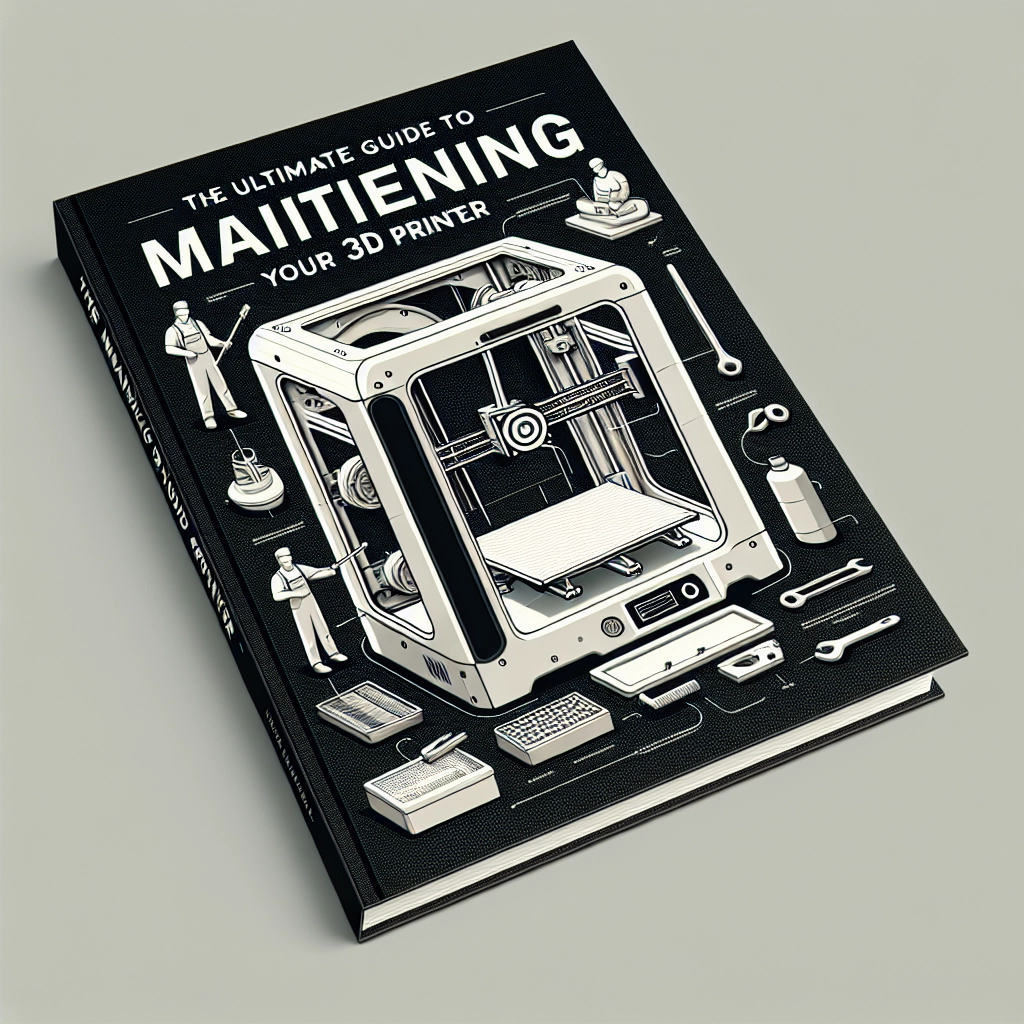

The Ultimate Guide to Maintaining Your 3D Printer
If you’ve recently joined the 3D printing movement, congratulations! You’re part of a fascinating community crafting everything from intricate models to essential functional tools right at home. But like any piece of technology, your 3D printer requires regular care to keep pumping out those prints you love. Whether you’ve got an entry-level printer or a high-end machine, proper maintenance can enhance performance and extend its lifespan. So, grab your toolkit and let’s dive into the ultimate guide to maintaining your 3D printer!
Keep It Clean
Cleaning your 3D printer might sound simple, but it’s essential. Dust, filament shavings, and other small particles can interfere with your machine’s functionality. Start your maintenance routine with a gentle wipe-down of the exterior using a soft, lint-free cloth. For the build plate, make sure to remove any leftover residue. Depending on your print material, you might need to use an alcohol wipe, especially if you’re using a glass or PEI surface.
But don’t stop there! The inside matters too. Gently remove the nozzle and clean any filament clogs that may have built up. It’s super important to do this especially if you regularly switch between different types of filament, like PLA, ABS, or PETG.
Calibrate Often
A thorough calibration is crucial to ensure your 3D printer works efficiently. Misalignment can lead to failed prints and wasted material. Depending on the type of printer you have, you’re likely looking at two main types of calibration: the bed leveling and the extruder calibration.
Bed Leveling: An uneven bed can make for a frustrating print experience. Use a piece of paper to gauge the distance between the nozzle and the bed at different points. Adjust the leveling screws until there’s just enough resistance when you slide the paper beneath the nozzle.
Extruder Calibration: This involves getting the amount of filament being fed through the nozzle just right. Measure out a specific length of filament and see how much your extruder actually pushes through. Adjust the steps per millimeter setting in your slicer software based on your findings.
Keep Your Filament in Check
Filament is the lifeblood of your prints, so treating it well goes a long way. Store your filament in a cool, dry place, and consider investing in airtight containers with desiccants, particularly for hygroscopic materials like nylon or PVA, which absorb moisture. Using wet filament can lead to bubbling, stringing, or even failed prints, which can be a real letdown after all that effort.
Don’t forget to check your filament for tangles or knots before printing. A small snag can lead to unexpected failures mid-print, and who wants to deal with that?
Lubricate Moving Parts
Your printer has many moving parts, and keeping them lubricated is vital for smooth operation. Check the lead screws, rails, and bearings regularly, and apply a tiny amount of lubrication where needed. A dry or squeaky printer doesn’t just sound annoying; it’s a sign that your components may wear down faster.
Be sure to use a lubricant that won’t attract dust or debris. Silicone or lithium grease works well for most printers and keeps things running smoothly.
Monitor Temperature Settings
If you’ve printed enough, you might be familiar with the fact that different filament materials require different temperatures. Always refer to the manufacturer’s recommendations for print settings, including nozzle and bed temperatures. An incorrect temperature can affect the overall quality of your prints, causing warping or poor layer adhesion. If you notice your prints are coming out less than perfect, it may be time to tweak those temperature settings.
Regular Software Maintenance
Don’t forget about the digital side of 3D printing! Make sure your slicer software is up-to-date. Developers often release updates to improve functionality and fix bugs. Additionally, keep your 3D printer’s firmware current. Firmware updates can enhance performance, fix bugs, and sometimes even add new features.
Embrace the Community
Finally, remember that you’re not alone in this journey. Online forums and local makerspaces are great places to ask questions or seek advice on common maintenance issues. The 3D printing community is full of enthusiasts who love sharing tips and tricks.
Maintaining your 3D printer might seem like a chore at times, but treating it with a little TLC will pay off in the long run. Regular cleaning, calibration, and attention to your materials can greatly enhance your printing experience and ensure you keep creating impressive projects. So roll up those sleeves and get ready to nurture your 3D printer — trust me, your future prints will thank you!