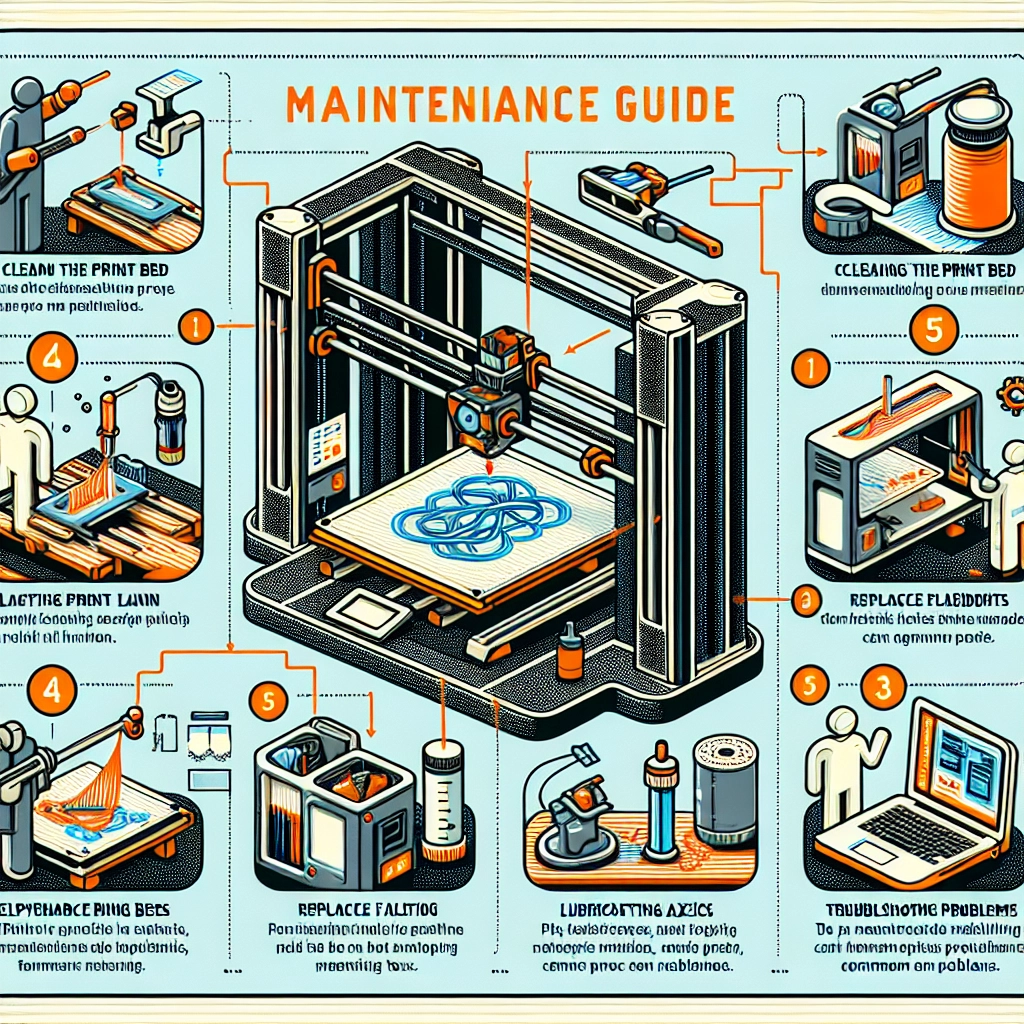

A Comprehensive Guide to Maintaining Your 3D Printer
3D printing has become increasingly popular, transforming how we create everything from prototypes to intricate art pieces. Whether you’re a hobbyist or a professional, giving your 3D printer a little TLC can go a long way in ensuring consistent quality and longevity. Think of your printer as a well-tuned instrument; regular maintenance allows it to produce your wildest designs without missing a beat. Let’s dive into a comprehensive guide to maintaining your 3D printer.
Cleaning the Printer
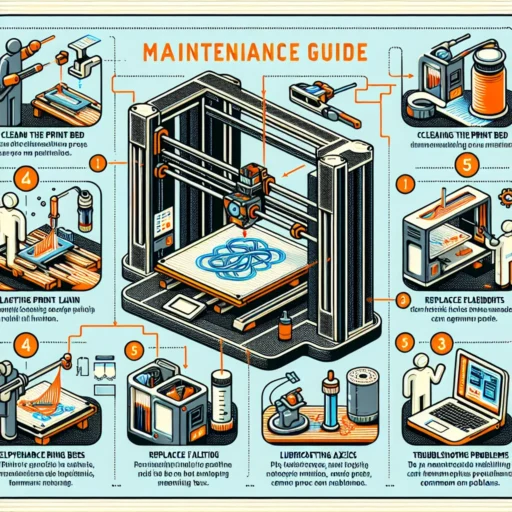
Regular cleaning is a must if you want to keep your 3D printer in top shape. Dust and debris can interfere with even the best prints. Here’s how to efficiently clean your printer:
-
Exterior Wipe Down: Use a microfiber cloth to wipe the exterior of your printer. This keeps it looking sharp and prevents dust from sneaking into the internals.
-
Removing Filament Residue: After each print or filament change, it’s a good idea to clean the nozzle. Heat it slightly and then wipe it with a piece of cloth to get rid of any excess filament.
-
Bed Cleaning: If you have a glass, BuildTak, or PEI print bed, wiping it down with isopropyl alcohol before starting a new print will help improve adhesion and quality.
Lubrication and Movement
Moving parts need lubrication to ensure they operate smoothly. Here’s how to maintain the machine’s moving components:
-
Axis Rods and Lead Screws: Apply a small amount of lubricant (like lithium grease) to the lead screws and axis rods. This reduces friction and prolongs the life of these components.
-
Belts: Make sure the belts are tensioned correctly—not too loose and not too tight. A too-loose belt can cause slipping, while a too-tight belt can wear out your motors.
-
Bearings: Check the bearings for wear. If they feel gritty or sound rough when moving, they may need replacement, as worn bearings can lead to poor print quality.
Filament Care
Your choice of filament affects your prints like no other component. Proper care is essential:
-
Storage: Store filament in airtight bags with desiccant packets. This helps prevent moisture absorption, which can lead to print failures.
-
Checking for Quality: Before using, check your filament for tangles or knots. These can interfere with consistent flow during printing.
-
Temperature Settings: Ensure you’re using the right temperature settings for each type of filament, as this can vastly affect adhesion, layer bonding, and overall print quality.
Calibration and Leveling
A well-calibrated printer is paramount for good prints. Regular calibrations can make all the difference:
-
Bed Leveling: Take time to level your print bed regularly. Even slight misalignments can lead to issues like warping or poor adhesion.
-
Stepper Motor Calibration: Occasionally check your steps per millimeter settings to ensure that your printer is giving you accurate dimensions. This involves printing calibration cubes and measuring them.
-
Extruder Calibration: This is crucial for ensuring your printer extrudes the correct amount of filament. Over- or under-extruding can lead to holes or inconsistencies in your prints.
Software Maintenance
Don’t overlook the software side of things! Keeping your firmware and slicer software updated can significantly improve print quality and introduce new features:
-
Update Firmware: Check for updates from your printer manufacturer periodically. New firmware can fix bugs and improve performance.
-
Slicer Settings: Regularly revisit your slicer settings and consider updates from your slicer software provider. Each update may introduce new features that enhance print quality or efficiency.
-
Profiles: Keep various profiles for different filaments or styles of prints. This will enable you to switch between preferences without going back and forth in settings each time.
Regular Inspections
In addition to regular cleanings and calibrations, it’s wise to conduct a thorough inspection of your printer components every few months. Look for anything unusual, such as unusual noises, wear on belts, or loose screws. Taking a proactive approach allows for timely repairs, if necessary.
All these maintenance steps contribute to a smooth and productive printing experience. As with any technology, the care you invest pays off tenfold by saving you time and heartache in the long run. So grab your tools, set aside some time, and give your 3D printer the love it deserves. Happy printing!