
How to Optimize Your 3D Print Settings for Various Filaments
3D printing has evolved into an exciting realm of creativity and innovation, allowing enthusiasts to bring their imaginative designs to life. However, one of the most common challenges faced by both beginners and seasoned pros is figuring out the best settings for different filaments. Understanding how to optimize your print settings can make a significant difference in the quality, durability, and appearance of your final product. Let’s dive into some strategies that will help you fine-tune your 3D print settings for various materials!
Know Your Filament Types
Before diving into the specifics of settings, it’s essential to recognize the different types of filaments you might encounter. Here are a few of the most popular ones:
-
PLA (Polylactic Acid): A favorite for beginners, PLA is easy to print with and emits a non-toxic odor. It comes in a variety of colors and works well for detail-oriented projects.
-
ABS (Acrylonitrile Butadiene Styrene): While ABS can produce sturdy prints, it may warp and emit fumes. A well-ventilated area is key when working with this material.
-
PETG (Polyethylene Terephthalate Glycol): Combining the best properties of PLA and ABS, PETG is durable and easy to print but may require some tweaking to get your layer adhesion just right.
-
TPU (Thermoplastic Polyurethane): A flexible filament that can stretch without breaking, TPU is perfect for creating items like phone cases or rubbery seals.
-
Nylon: Strong and resilient, Nylon is a fantastic choice for functional parts but can be tricky due to its tendency to absorb moisture.
Each filament behaves differently, and understanding these unique properties sets the foundation for great prints.
General Print Settings
Although each filament has specific requirements, there are some general print settings you’ll want to consider adjusting based on the filament you’re using.
Temperature
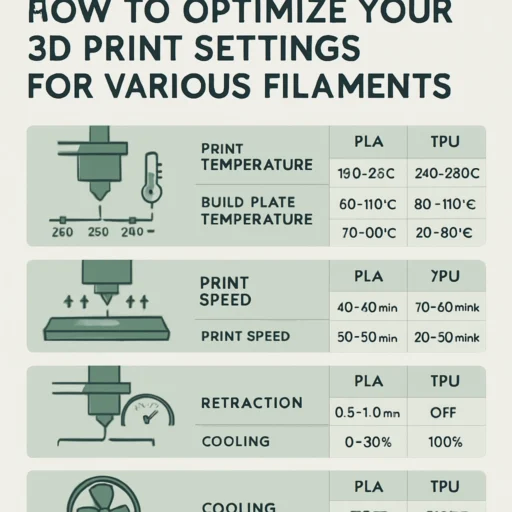
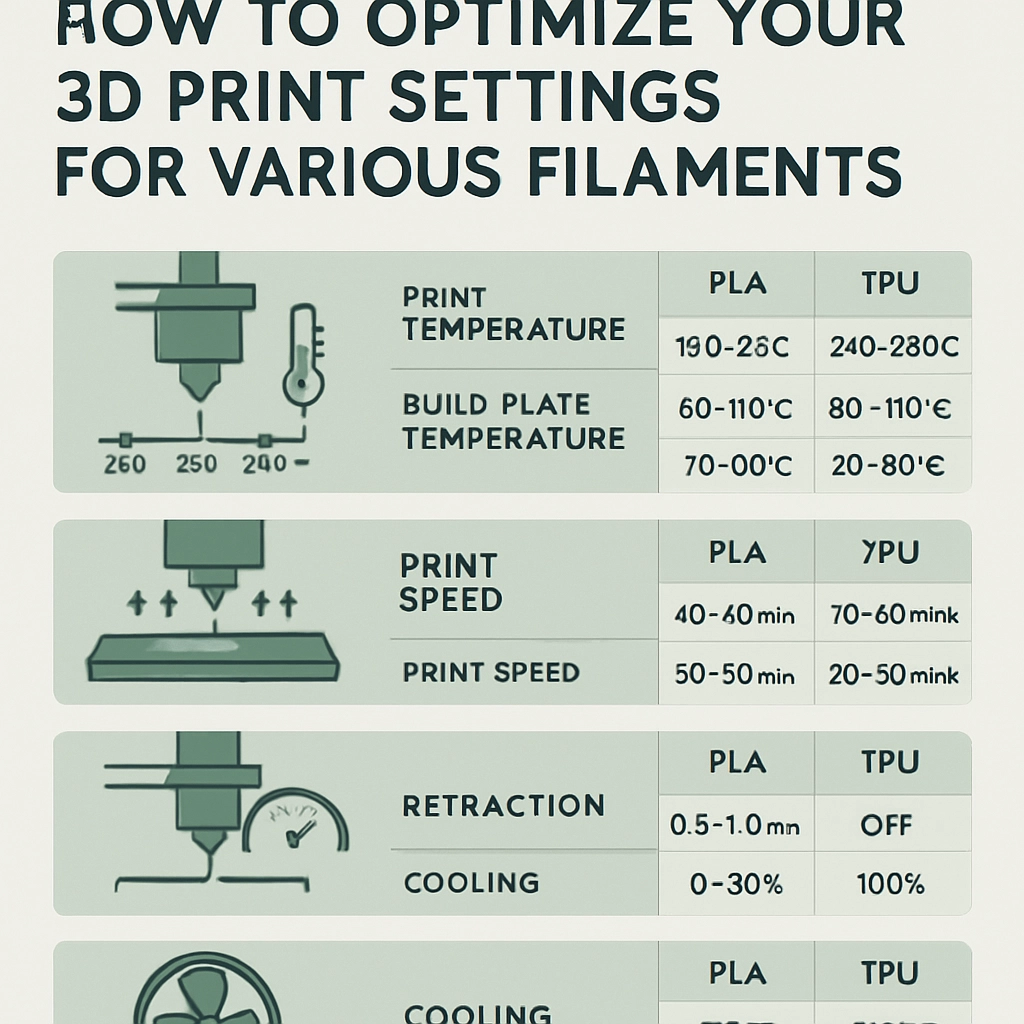
The printing temperature typically ranges from about 190°C for PLA to upwards of 260°C for Nylon. Always refer to the manufacturer’s recommended temperature settings for your specific filament. Doing a few test prints can help you dial in the temperature for optimal results. It’s worth noting that hotter isn’t always better; finding that sweet spot is crucial for layer adhesion and surface finish.
Bed Temperature
The bed temperature can also vary based on your filament choice. PLA usually prints well at room temperature or a slightly heated bed (around 50°C), while ABS and Nylon benefit from higher bed temperatures (around 90-110°C) to reduce warping. A heated bed can significantly improve the first layer’s adhesion, resulting in a better overall print.
Print Speed
Slower print speeds generally allow for higher-quality prints, especially with detailed filaments such as PLA and PETG. Starting at 40-60 mm/s is often best, but feel free to experiment. Speeds can be adjusted up or down based on the intricacy of your design—finer details may require slowing it down.
Layer Height and Infill Settings
The layer height can also impact the quality of your print. Thinner layers (0.1-0.2 mm) typically yield smoother surfaces, while thicker layers can speed up the print process but may sacrifice some detail. For functional parts, consider an infill percentage of around 20-50% depending on the part’s strength requirements.
Cooling
Cooling settings can significantly influence the print quality. PLA benefits from active cooling, which helps solidify the material as it’s printed. A fan speed of around 100% is recommended for PLA. On the other hand, with ABS, reducing or turning off the cooling fan can prevent warping and improve layer adhesion.
Material-Specific Adjustments
As we’ve noted, different filaments often require different settings due to their unique properties. For instance, if you’re working with PETG, you’ll want to reduce your cooling fan speed and increase retraction settings to mitigate stringing. With TPU, consider lowering your print speed even further to ensure accuracy since its flexibility can lead to issues when fed through the printer.
A good practice for optimizing your print settings is to keep a detailed log. Record the settings you’ve used for each filament type along with the results. This can help you build a comprehensive database of profiles tailored to your specific materials and projects.
Experiment and Have Fun!
At the end of the day, 3D printing is as much about experimentation as it is about precision. Don’t be afraid to tweak those settings and conduct test prints to discover what works best for your setup and preferences. It’s a process of learning and adapting that can be immensely rewarding—much like the final object that emerges from your printer.
Whether you’re printing detailed miniatures or functional everyday objects, mastering your print settings for various filaments can take your skills to the next level. So fire up that printer, experiment with your configurations, and watch as your creative ideas transform into tangible products!