
How to Maintain Your 3D Printer for Longevity and Performance
If you’ve jumped into the exciting world of 3D printing, you know there’s nothing quite like watching your designs come to life layer by layer. However, to keep that magic going, it’s essential to take good care of your 3D printer. Just like a car needs regular maintenance to run smoothly, your 3D printer requires some attention to ensure it performs at its best. Whether you’re a beginner or a seasoned pro, here are some practical tips to keep your 3D printer in tip-top shape.
Keep It Clean
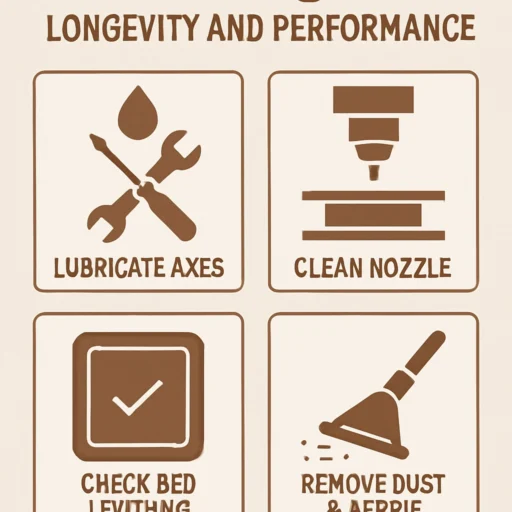
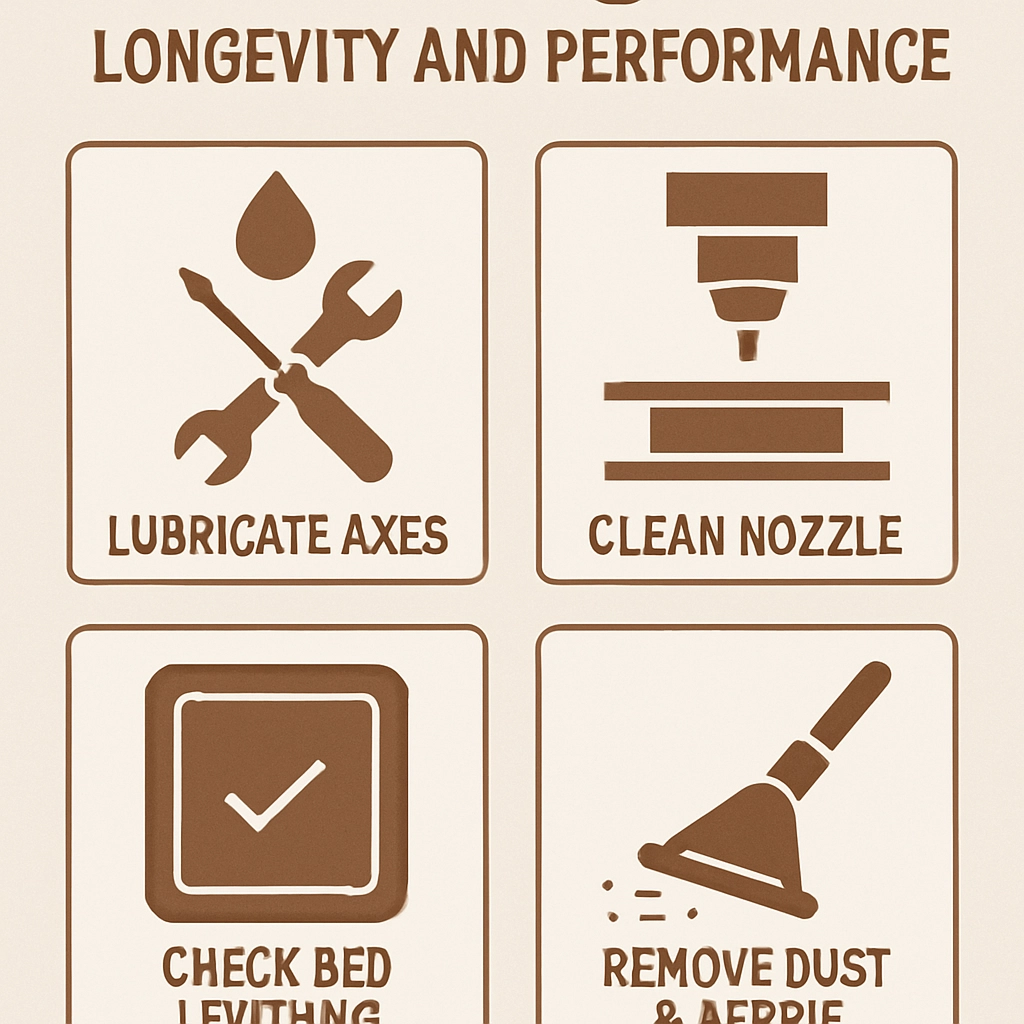
One of the easiest ways to maintain your 3D printer is to keep it clean. Dust, filament residue, and even greasy fingerprints can interfere with your printer’s performance. Make it a habit to wipe down the exterior with a microfiber cloth regularly. For the print bed, ensure that it’s free of dust and debris before starting a print. A clean surface helps with adhesion and ultimately leads to better print quality.
Additionally, occasionally check the internal components, like the print head and extruder. A clogged nozzle can lead to all sorts of print failures. Regularly clearing any build-up will keep your extruder moving smoothly. A simple cleaning filament can work wonders in keeping your nozzle unclogged—just run it through at high temperatures every once in a while.
Calibrate Often
Regular calibration is key to maintaining print quality. Make sure to calibrate your 3D printer’s axes and ensure the print bed is level. Even a slight deviation can lead to misalignment and poor prints. Each time you change filament or move your printer, it’s wise to recalibrate. Some printers come with built-in calibration options, while others might require a bit more manual finesse.
Pro Tip: Invest in a good leveling tool or a piece of paper to help gauge the distance between the nozzle and print bed—getting this right can significantly affect adhesion and layer quality.
Watch the Filament
Filament quality can make or break your printing experience. Keep an eye on your filament stock—over time, exposure to moisture can degrade its quality, leading to weak prints and jams. Store your filament in a dry place, or invest in airtight containers with desiccants to preserve their integrity.
When switching between filaments, a good practice is to purge the old filament from the nozzle before loading the new one. This prevents color or material contamination, ensuring that your prints come out uniformly.
Inspect and Lubricate Moving Parts
A well-oiled machine runs best! Periodically inspect the moving parts of your 3D printer, including rails, rods, and lead screws. Applying a small amount of lubricant can significantly reduce friction and wear. Use appropriate lubricants—many 3D printer owners swear by PTFE grease. Just remember, less is more; you definitely don’t want excess grease on your print bed!
Also, keep an eye out for any loose screws or connections. A quick visual inspection can catch potential issues before they become bigger problems down the line.
Update Firmware Regularly
Manufacturers frequently release updates to improve performance, fixation of bugs, and even compatibility with new materials. So, don’t overlook firmware updates! They often contain important enhancements that could make your printer more reliable or improve print quality. Check your manufacturer’s website for the latest updates, and be sure to follow their upgrade instructions to avoid mishaps.
Monitor Your Prints
The more you monitor your prints, the fewer surprises you’ll have! If you can, invest in a camera or use software that allows remote monitoring. Observing prints can help you catch issues early, like filament jams or bed adhesion problems, which often arise in the early layers. This can save you time, energy, and materials in the long run.
Embrace the Community
The 3D printing community is vibrant and incredibly helpful. Online forums, social media groups, and even local meetup clubs can be treasure troves of information. If you encounter issues with your printer, chances are someone else has faced the same problem and has a solution to share. Engaging with fellow enthusiasts not only helps you troubleshoot but also keeps you inspired and up to date on the latest trends and tips.
Just like any machine, your 3D printer thrives on love and care. Regular maintenance and attention will extend its lifespan and enhance its performance, ensuring that each print counts. With clean nozzles, well-calibrated axes, and a watchful eye, you’re setting yourself up for a successful and enjoyable journey in 3D printing. So roll up your sleeves, add a little elbow grease, and keep that printer humming along! Your future creations await!