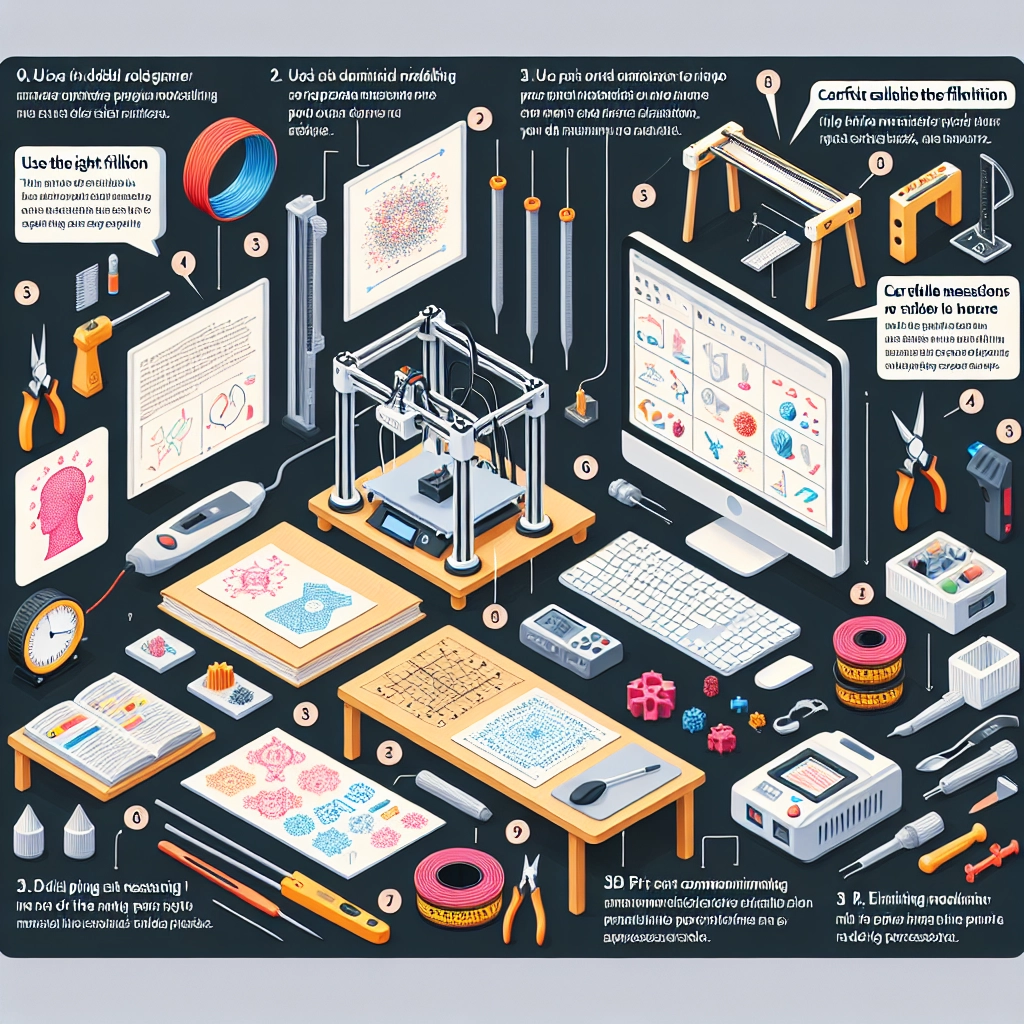

3D Modelling for 3D Printing: Essential Tips and Tools
The world of 3D printing has exploded in popularity over the past few years, transforming industries from manufacturing to healthcare and even hobbyist circles. At the heart of this remarkable technology lies 3D modeling, which is the key to creating the objects you want to print. Whether you’re sculpting a simple prototype or designing intricate models for production, getting your 3D modeling right is essential. Let’s dive into some essential tips and tools you need to kickstart your 3D modeling journey for 3D printing.
Understanding the Basics
Before kicking off your modeling, it’s important to familiarize yourself with some basic concepts. 3D modeling refers to the process of creating a three-dimensional representation of an object using specialized software. Think of it as sculpting in a digital environment. There are a few common approaches to 3D modeling, predominately:
- Polygonal modeling: This method is like building a digital version of your object using a mesh of triangles or polygons. It’s widely used for product design and games.
- NURBS modeling: For smooth surfaces and curves, NURBS (Non-Uniform Rational B-Splines) is your best friend. It’s great for automotive designs or aerodynamic shapes.
- Voxel modeling: This is all about working with small cubes (or “voxels”), like creating digital sculptures in “Minecraft”. It’s fun but less common for traditional printing.
Choosing the Right Software
Now that you have a basic understanding of the concepts, let’s talk about software. There’s a plethora of options out there, and the right one for you largely depends on your experience level and the complexity of your projects. Here are some popular tools across various skill levels:
-
Tinkercad: This is the ultimate beginner-friendly tool. It’s web-based, intuitive, and great for simple projects. You can easily drag and drop shapes, making it perfect for educational purposes or hobbyists.
-
Blender: An industry-standard software that caters to both beginners and professionals. While it has a steep learning curve, Blender offers incredible flexibility and power for those willing to invest the time.
-
Fusion 360: This is a great choice for engineering projects, particularly if you’re looking to produce functional parts. The combination of CAD and CAM features makes it a powerful tool for detailed design and production.
-
SketchUp: If you’re leaning towards architectural designs, SketchUp is your go-to tool. It has a generous free version and allows users to create detailed structures easily.
Essential Tips for Effective 3D Modeling
-
Plan Before You Model: Sketch out your idea or create a flowchart to determine the dimensions, components, or features of your model. This will guide your workflow and reduce any modeling mistakes.
-
Keep It Simple: Especially if you’re just starting out, remember the mantra: “less is more.” Complex designs can lead to frustration and potential printing failures. Start with simpler shapes and gradually increase the complexity of your projects.
-
Think About Printability: Certain designs might look great on-screen but are impossible to print. Consider factors like overhangs and supports. Familiarize yourself with your 3D printer’s capabilities and limitations. Many slicer software programs have features that can help you visualize potential issues.
-
Use Proper Units: When creating your model, ensure you’re using the correct unit of measurement (inches, millimeters, etc.) from the get-go. This will save you from scaling issues later on.
-
Test Frequently: Don’t wait until you think you’ve perfected a model before testing it out. Early printing iterations can save you time and materials. You’ll learn from the process and refine your work along the way.
Upgrading Your Skills
3D modeling is a continuous learning process, just like any other creative skill. Join online communities, take courses, and watch video tutorials. Websites like YouTube, Udemy, and Coursera offer countless resources that can significantly enhance your skills.
Networking with fellow 3D printing enthusiasts can be equally rewarding. Join forums, attend meetups or workshops, and share your experiences. Learning from others can provide you with new insights, tips, and even inspiration for future projects.
Embarking on your 3D modeling journey is both exciting and challenging. With the right tools and a commitment to learning, you can create stunning, functional designs that bring your ideas to life. So grab your laptop, fire up that creative spark, and let your imagination take shape! Happy printing!