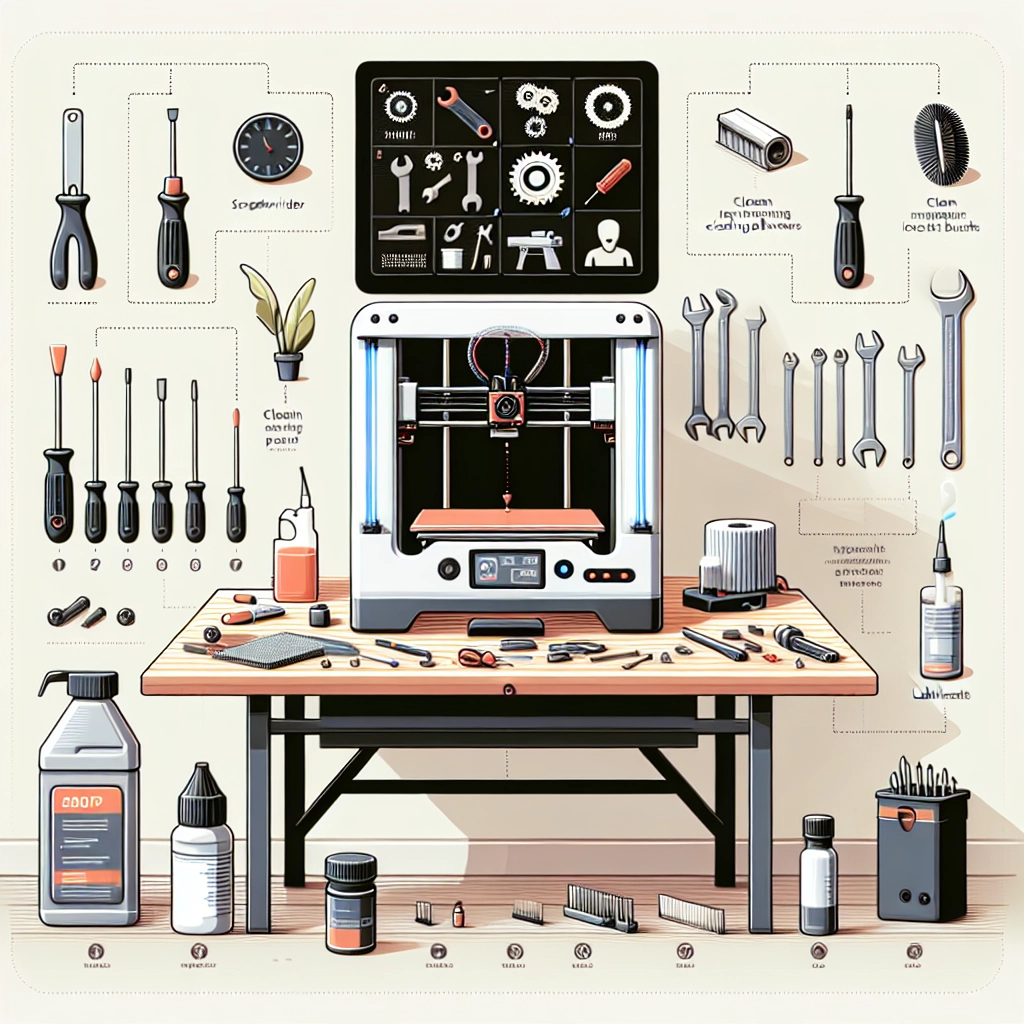

A Comprehensive Guide to 3D Printer Maintenance at Home
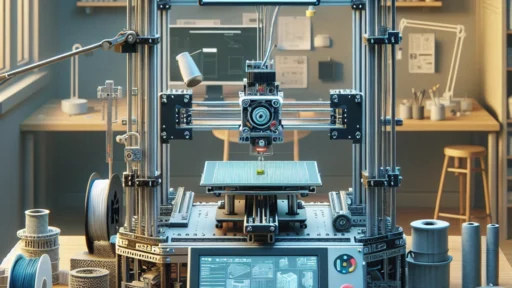
3D printing has taken the world by storm, transforming everything from hobbyist projects to professional prototyping. But like any piece of technology, 3D printers require regular maintenance to keep running smoothly and ensure consistent print quality. In this guide, we’ll walk you through the essential steps to maintain your 3D printer right at home. Whether you’re a newbie just getting started or a seasoned pro, proper upkeep will extend the life of your machine and elevate your printing experience.
Keep It Clean
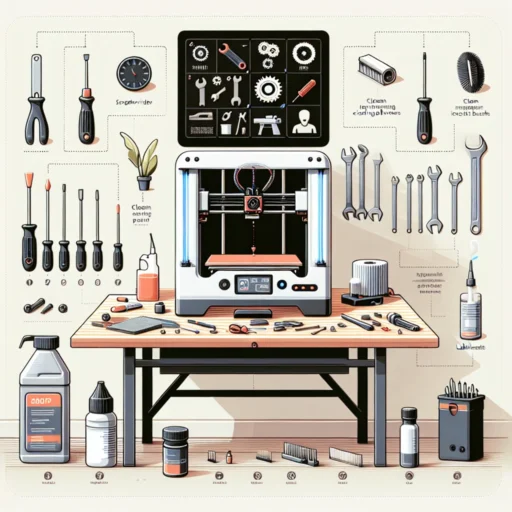
First things first: cleanliness is key. Dust and debris can easily accumulate in or around your printer, adversely affecting print quality and even damaging the machine over time. Make it a habit to wipe down the exterior of your printer regularly.
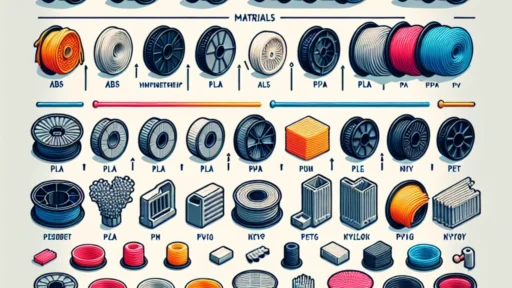
A microfibre cloth is perfect for this task—it’s gentle yet effective. For the build plate, you can use isopropyl alcohol to remove stickiness or prints that butter up the surface. Remember to also keep your filament dry and stored in a cool, dry place. Filament can absorb moisture from the air, leading to poor extrusion quality. Many 3D printing enthusiasts invest in airtight containers or vacuum-sealed bags to store their spools.
Calibrate Regularly
Calibration is essential for achieving accurate prints. Whether you’re leveling the bed or adjusting your extruder offset, making sure that everything is in alignment will improve your results significantly.
Start with the bed leveling. Most 3D printers allow you to do this manually by adjusting screws at each corner of the printer’s build plate. You can use a piece of standard printer paper for manual leveling. Slide it between the nozzle and the bed—if you can feel a slight drag as you pull it away, you’re in a good spot. For slightly more advanced users, consider investing in an auto-bed leveling sensor to streamline this process.
Inspect and Maintain the Nozzle
The nozzle is the heart of your 3D printer—if it’s clogged, your print will be a messy disaster. Regularly checking the nozzle for clogs or buildup can save you a lot of frustration. A simple way to prevent clogs is to perform a “cold pull” using nylon filament when you switch materials or finish a major printing project.
To do this, heat the nozzle to the temperature of the previous filament and, once it’s melted, pull the filament out while it’s cooling down a bit. This will help remove any residual material. If you do encounter a clog that won’t clear, you can heat the nozzle and use a small needle or a cleaning filament to help get it back in working order.
Lubricate Moving Parts
Your printer has several moving parts that can benefit from some lubrication over time. Regularly check the rails and rods where your printer head moves. You can use a PTFE-based lubricant or a silicone grease to keep things running smoothly. Just apply a small amount to the rails and move the print head back and forth to help distribute it evenly.
Remember, less is more—too much lubricant can gather dust, which leads to more problems than it solves.
Check Electronic Connections
With so many cables running across your 3D printer, it’s essential to ensure they’re all intact. Check for any loose connections, frayed wires, or signs of wear and tear. If you identify any problematic areas, be proactive and replace them before they cause a more severe issue. And don’t forget to examine the power supply and cooling fans. Ensuring good connections will prevent flickering lights or unexpected power failures.
Update Firmware and Software
Keeping your firmware up-to-date is crucial for a well-functioning printer. Manufacturers often release updates to enhance performance and fix bugs. Similarly, if you’re using slicing software, periodically check for updates. New features or bug fixes can significantly improve your workflow and print success rate.
Endless Printing Joy
Regular maintenance of your 3D printer not only prolongs its lifespan but also enhances your printing experience. Taking the time to clean, calibrate, and lubricate your machine will pay off with better quality prints and fewer headaches.
So, whether you’ve got a weekend of printing planned or are looking to dive back into your favorite hobby, make sure to check in on your 3D printer first. When you treat your 3D printer with the care it deserves, it’ll reward you with years of creative possibilities and successful prints. Happy printing!