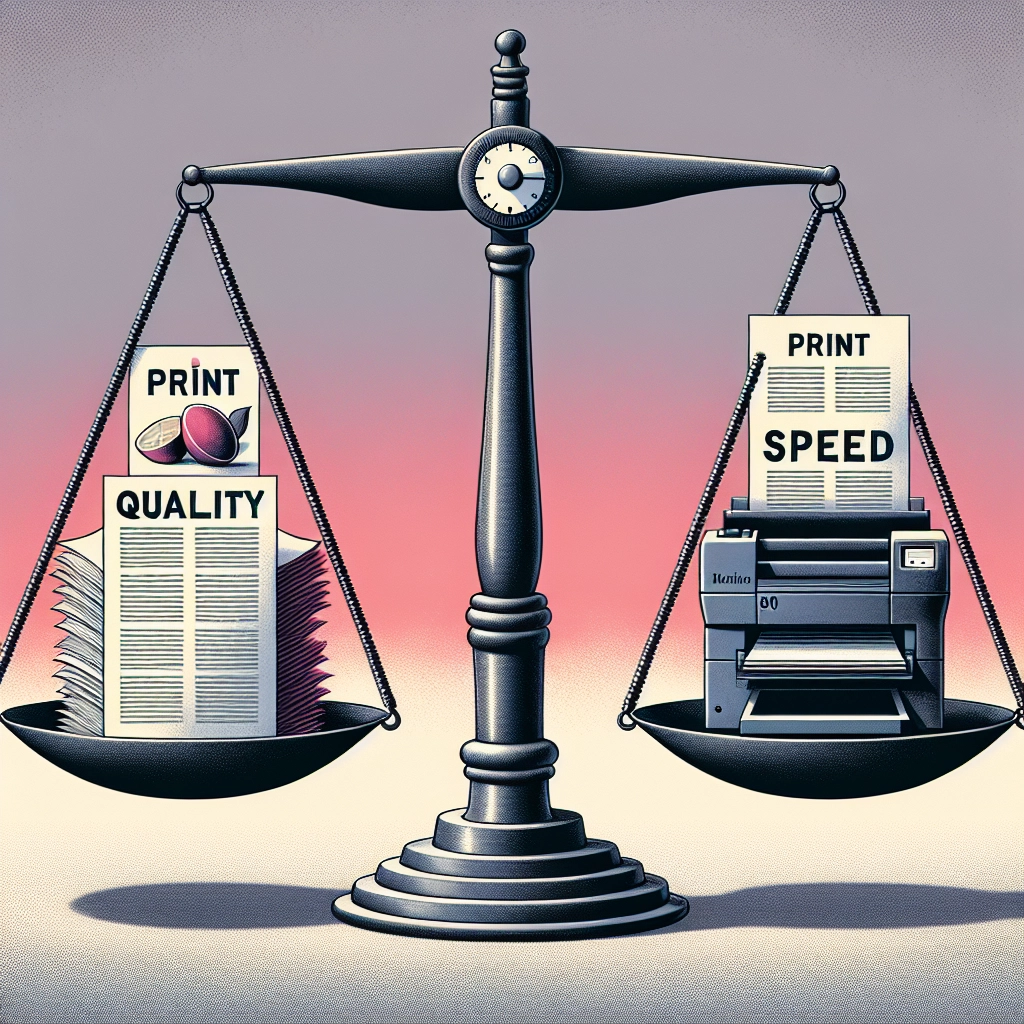

Print Quality vs. Print Speed: Finding Your Balance
When it comes to printing, whether it’s for a home office, a small business, or just everyday personal use, there’s often a critical dilemma many face: print quality versus print speed. This age-old debate can leave you scratching your head, pondering over which factor takes precedence in your printing needs. So, let’s delve into this topic to help you strike the right balance when it comes to your printing endeavors.
The Importance of Print Quality
First things first, let’s chat about print quality. If you’re printing glossy photos for a family album, detailed graphics for a presentation, or material for client meetings, quality is paramount. Higher print quality typically means sharper images, richer colors, and more professional-looking documents. It can be the difference between a printout that wows and one that simply … exists.
For those in creative industries, the crispness of an image or the clarity of text can impact how your work is perceived. In fact, print quality can often reflect the level of professionalism you bring to your work. Think about it—would you rather present a well-printed report or a smudged and faded concoction? Most people would opt for the former!
But print quality has its partners-in-crime, namely paper type and printer settings. Choosing the right paper or adjusting the DPI (dots per inch) settings can enhance print quality considerably. However, remember that higher-quality settings can also require more time, which leads us directly into our next consideration: print speed.
The Value of Print Speed
Now, let’s pivot to print speed. In our fast-paced digital world, we often need things done "yesterday," and the same principle applies to printing. If you’re in a bustling office environment or involved in a time-sensitive project, fast printing can sometimes outweigh the need for an ultra-clear image. Why? Because when deadlines loom, a quick print can save the day.
Think about the scenarios where speed shines. Perhaps you’re printing out flyers for an event happening that evening or need to churn out multiple identical documents for a meeting. In such cases, sacrificing a bit of quality for swiftness might be necessary. After all, nobody wants to miss out on an opportunity just because they were waiting in line at the printer.
But be cautious! Rushing your prints can lead to unintended outcomes, like blurred text or misaligned visuals. Striking a balance between sufficient speed and acceptable quality is essential.
Finding Your Sweet Spot
Alright, so now that we’ve examined both sides of the equation, how do you find your ideal balance?
-
Assess Your Needs: Start by thinking about what you primarily print. If it’s mostly text-heavy documents or quick drafts, leaning into speed may be fine. However, for projects where appearance matters, set the printer to a higher quality setting, even if it takes a bit longer.
-
Evaluate Your Equipment: Different printers have various capabilities. Laser printers, for instance, are often faster than inkjet printers for text documents but can lack in color vibrancy. Inkjet printers excel in providing stunning images but may not match the speed of laser varieties. Knowing your equipment’s strengths and weaknesses will aid you in making informed decisions.
-
Experiment and Optimize: Don’t hesitate to run a few tests! Print different settings to see which combination works best for your needs. It could be helpful to keep a log of what settings yield the best results for various printing tasks. This way, you can quickly set up your printer according to the specific job at hand.
-
Adjust Expectations: Sometimes, it’s all about adjusting your expectations. Not every print job needs to be gallery-worthy. A balance may look different depending on your project. Prioritize quality for important documentation and go for speed with less critical prints.
Ultimately, the balance between print quality and print speed isn’t a rigid formula; it’s a flexible approach based on your personal or business needs. As you navigate through your printing tasks, let your priorities guide you. Whether you lean more towards quality for an impressive presentation or speed for a last-minute report, the key is to know when to prioritize each. After all, circumstances change, and so can your printing strategies. So, keep your options open, adapt, and find what works best for you! Happy printing!